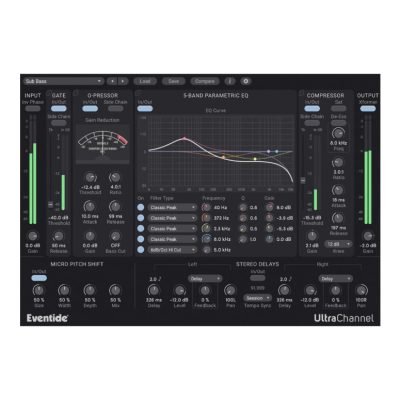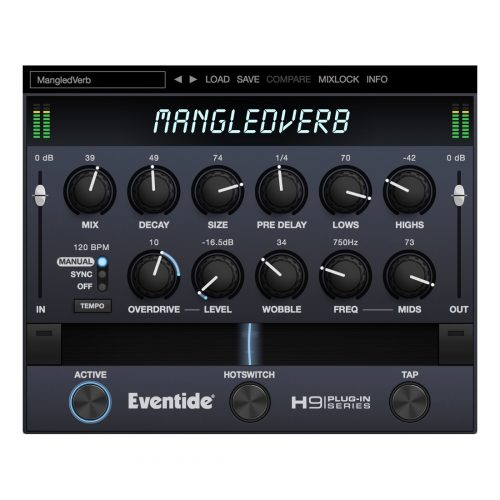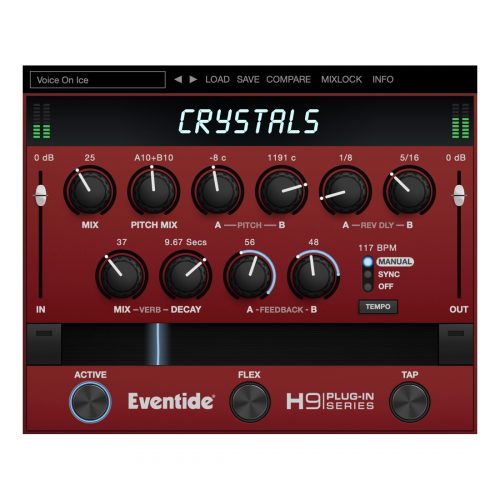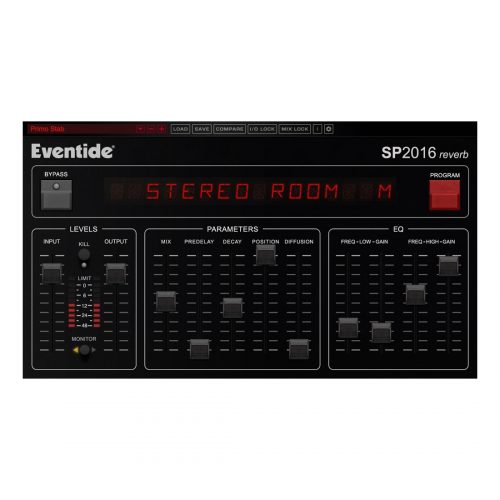
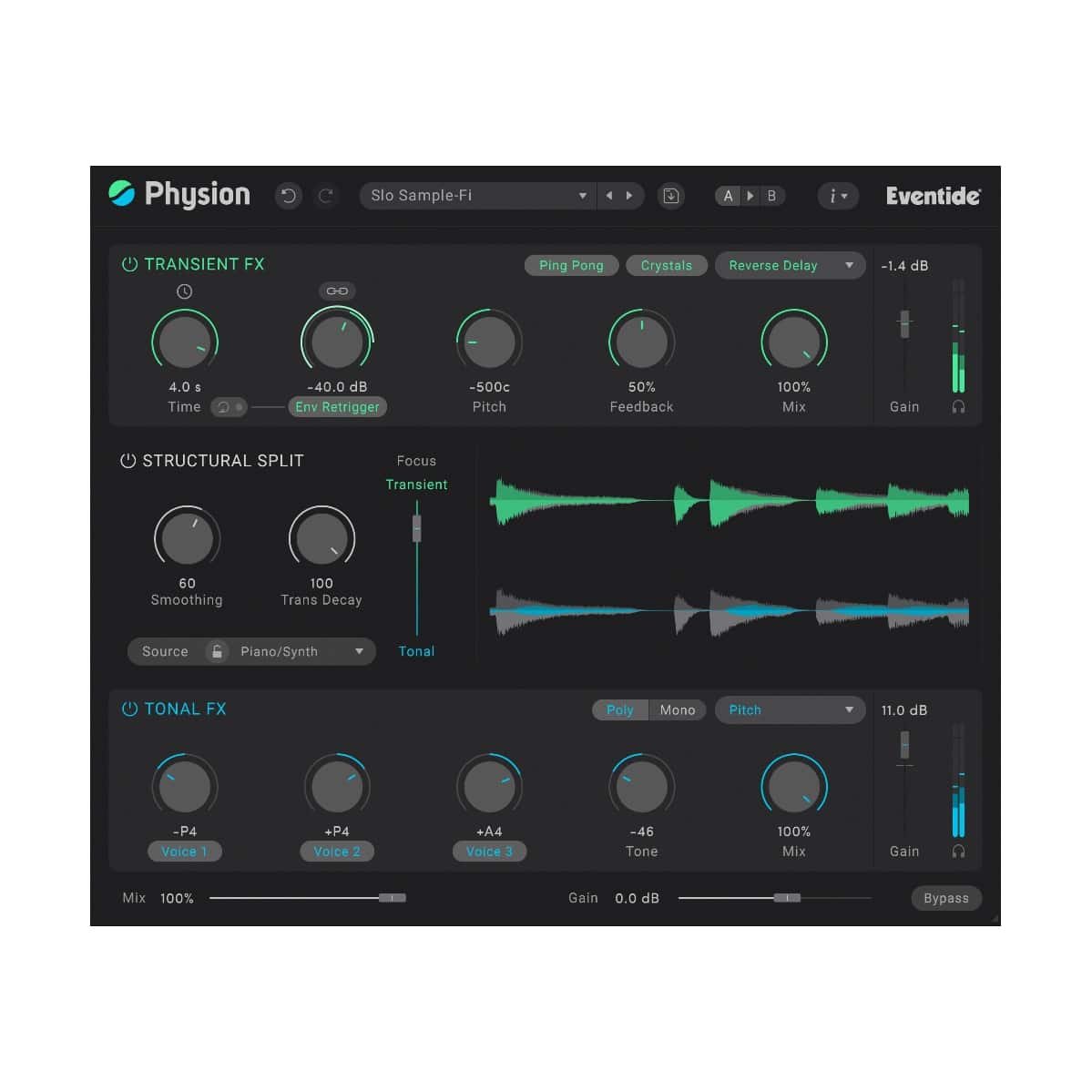
Features:
- NEW Polyphonic pitch shifting algorithm based on SIFT (Spectral Instantaneous Frequency Tracking) Technology
- NEW Reverse Delays with Gating, Ping-pong, and Crystals modes
- NEW Side Chain input for dynamics processors
- NEW State-of-the-art Filters, taken directly from SplitEQ
- NEW Resizable GUI with scrolling waveform display and easy-to-use layout – no menu diving required
- World-class, Hand-tuned Eventide effects for the Transient & Tonal streams
- Process Transient and Tonal Effects separately using Eventide’s Improved Structural Split™ technology
- Control Transient and Tonal Output levels
- Control the Underlying Split for fine-tuning and experimentation
- Comprehensive Presets Library includes 500+ presets
- A/B Comparison and Undo/Redo make it easy to explore ideas without losing where you started
- Three Color Schemes: Normal, Dark, and Colorblind Accessible
Step-by-Step Guide: Register & Install Your Eventide Plugins from Plugin Discounts
Activating Eventide Codes (Purchased from Plugin Discounts)
Follow these steps to enable your license and access the installer:
- Step 1: Log in to your Eventide account
Go to https://www.eventideaudio.com/my-account. Create an account if you don’t have one. - Step 2: Register your plugin
Go to My Account → Register Products (or “Register a New Product”).
Enter your Serial Number and License Key.
Also enter your iLok.com username.
Submit — the license is automatically sent to your iLok account. - Step 3: Download the installer
Go to the Downloads page.
Download the correct installer for your OS (Mac or Windows) and plugin format (VST/AU/AAX). - Step 4: Install the plugin(s)
Windows: Run the .exe installer.
macOS: Open the .dmg and run the .pkg installer.
Follow the on-screen prompts. - Step 5: Authorize with iLok License Manager
Download/install iLok License Manager from www.ilok.com if you don’t have it.
Open iLok License Manager → sign in.
Find your Eventide license and drag it to your Computer (or iLok dongle).
Click Activate. - Step 6: Open your DAW
Launch your DAW and rescan for new plugins. The Eventide plugin should now appear and work.
Notes:
- Eventide plugins require iLok authorization (no physical dongle needed unless you choose one).
- Supported DAWs: Most major ones that support VST, AU, or AAX.
If you run into issues, check the official troubleshooting on the same page.