Features:
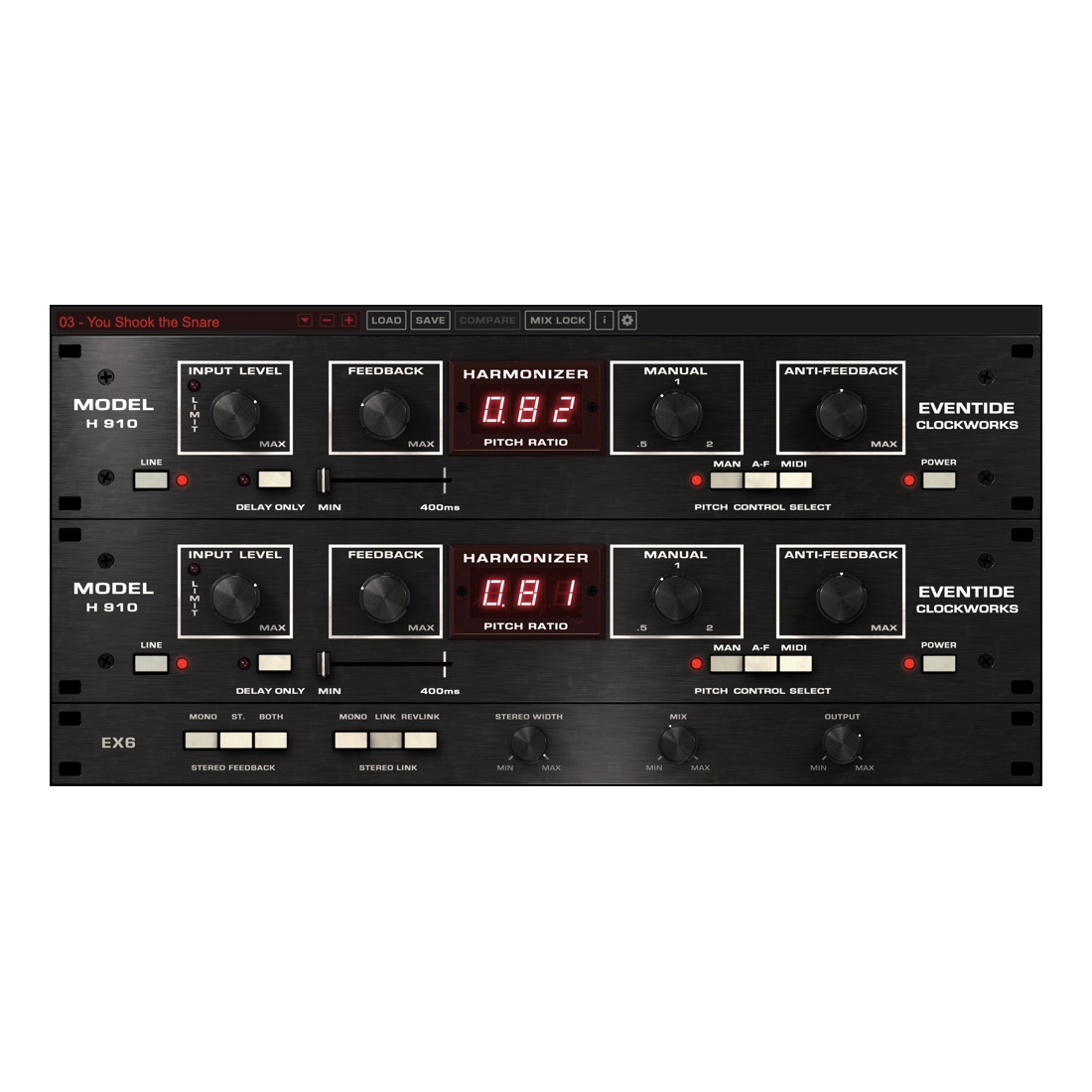
- Keyboard and MIDI mapping – The original H910 featured a keyboard remote control which was used live by several artists including Elton John. With the H910 plug-in you can easily use MIDI to control pitch and harmonization in real-time.
- Envelope Follower – An envelope follower has also been implemented in this latest release. Engineers and producers discovered that sending a control voltage to the hardware H910 could be used to slightly (or massively) vary the pitch, creating entirely new sounds. The built-in envelope follower makes exploring these possibilities easy.
- OUT2 Delay Group – adds inspiring attributes to your sound.
- True analog modeling of highly nonlinear electronics for faithful reproduction of the original H910’s juicyness and grit.
- Perform perfect pitch changes controlled manually, via MIDI or with Anti-Feedback.
- Anti-Feedback modulates the pitch around unity for a subtle or wild effect.
- Optional “glitching” of original H910 hardware to create unpredictable sounds as it alters pitch.
- Modify pitch by musical intervals (diatonic) to harmonize vocals or solo instruments.
- Delay rhythms and melodies to create everything from slap-back echoes to feedback chaos.
- Create colorful, unique sound effects and drones through self-oscillation.
- Individually control delay outputs and dry/wet mix.
- Mix Lock allows for scrolling through presets or settings while keeping the dry/wet mix constant.
BONUS: H910 Dual:
- H910 Dual recreates two H910 units running in parallel to create doubling effects and other unique sounds.
- H910 Dual easily fattens and thickens instruments when assigning opposite pitch ratios.
- H910 Dual Stereo (cross-unit) Feedback can cause the incoming signal to shift up and then down continuously.
Step-by-Step Guide: Register & Install Your Eventide Plugins from Plugin Discounts
Activating Eventide Codes (Purchased from Plugin Discounts)
Follow these steps to enable your license and access the installer:
- Step 1: Log in to your Eventide account
Go to https://www.eventideaudio.com/my-account. Create an account if you don’t have one. - Step 2: Register your plugin
Go to My Account → Register Products (or “Register a New Product”).
Enter your Serial Number and License Key.
Also enter your iLok.com username.
Submit — the license is automatically sent to your iLok account. - Step 3: Download the installer
Go to the Downloads page.
Download the correct installer for your OS (Mac or Windows) and plugin format (VST/AU/AAX). - Step 4: Install the plugin(s)
Windows: Run the .exe installer.
macOS: Open the .dmg and run the .pkg installer.
Follow the on-screen prompts. - Step 5: Authorize with iLok License Manager
Download/install iLok License Manager from www.ilok.com if you don’t have it.
Open iLok License Manager → sign in.
Find your Eventide license and drag it to your Computer (or iLok dongle).
Click Activate. - Step 6: Open your DAW
Launch your DAW and rescan for new plugins. The Eventide plugin should now appear and work.
Notes:
- Eventide plugins require iLok authorization (no physical dongle needed unless you choose one).
- Supported DAWs: Most major ones that support VST, AU, or AAX.
If you run into issues, check the official troubleshooting on the same page.