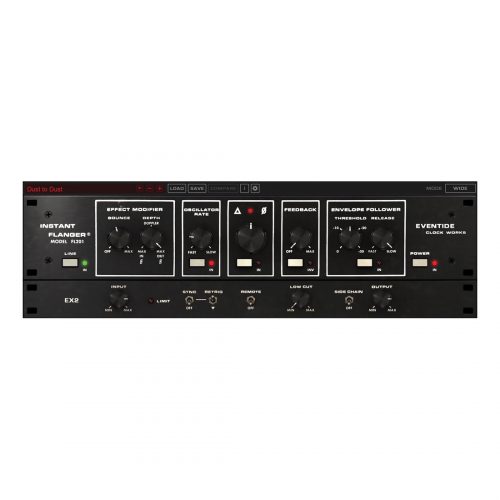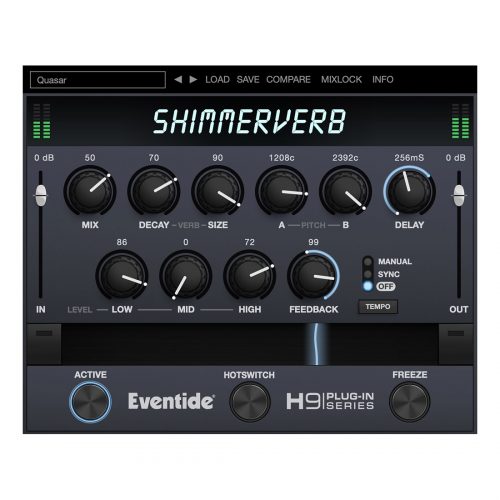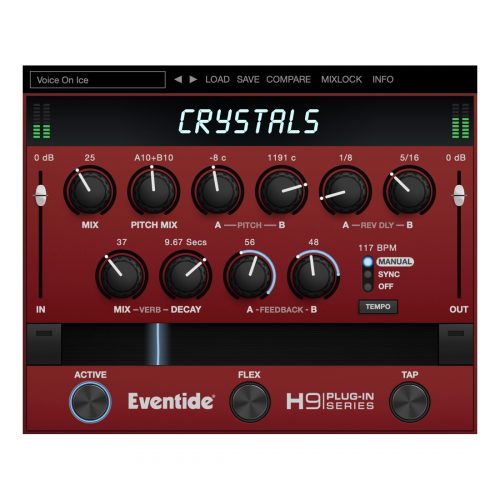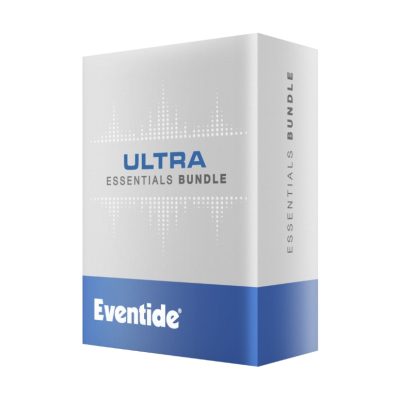
Elevate is the most advanced mastering plug-in ever created. This unique multi-band limiter, human-ear EQ and powerful audio maximizer will increase the loudness of your mix while maintaining or improving its dynamic perception. It uses intelligent, adaptive technology that responds in real time to your music; creating not only the loudest, but the best sounding master.
The bundle also features (3) additional plug-ins:
EQuivocate is a graphic EQ that uses filters which are modeled on the human ear. Perfect for mixing and mastering, EQuivocate’s auditory filters and match EQ functionality make it incredibly powerful, simple to use, and natural sounding.
Saturate is a saturation plug-in made popular as the final Spectral Clipper stage in the Elevate plug-in. Saturate as two controls which belie a sophisticated signal processing engine which allows it to overdrive a signal without effecting the tonal balance or allowing the signal to get “tubby”. This makes it ideal for overdriving an entire mix, but it works quite well on individual instruments as well. Consider placing it after Punctuate to transparently treat the transients that you may have boosted.
Punctuate is heavily based on the Transient Emphasis section of the Elevate Mastering Limiter. It is a multi-band transient modulator (sometimes called a transient designer) that uses, by default, the 26 critical bands in the human ear. In addition to using the critical bands it uses intelligent algorithms to set the parameters of the transient modulator for each band. This allows you to control the transient emphasis (or suppression) and timing across all 26 bands with just 4 controls.
Step-by-Step Guide: Register & Install Your Eventide Plugins from Plugin Discounts
Activating Eventide Codes (Purchased from Plugin Discounts)
Follow these steps to enable your license and access the installer:
- Step 1: Log in to your Eventide account
Go to https://www.eventideaudio.com/my-account. Create an account if you don’t have one. - Step 2: Register your plugin
Go to My Account → Register Products (or “Register a New Product”).
Enter your Serial Number and License Key.
Also enter your iLok.com username.
Submit — the license is automatically sent to your iLok account. - Step 3: Download the installer
Go to the Downloads page.
Download the correct installer for your OS (Mac or Windows) and plugin format (VST/AU/AAX). - Step 4: Install the plugin(s)
Windows: Run the .exe installer.
macOS: Open the .dmg and run the .pkg installer.
Follow the on-screen prompts. - Step 5: Authorize with iLok License Manager
Download/install iLok License Manager from www.ilok.com if you don’t have it.
Open iLok License Manager → sign in.
Find your Eventide license and drag it to your Computer (or iLok dongle).
Click Activate. - Step 6: Open your DAW
Launch your DAW and rescan for new plugins. The Eventide plugin should now appear and work.
Notes:
- Eventide plugins require iLok authorization (no physical dongle needed unless you choose one).
- Supported DAWs: Most major ones that support VST, AU, or AAX.
If you run into issues, check the official troubleshooting on the same page.