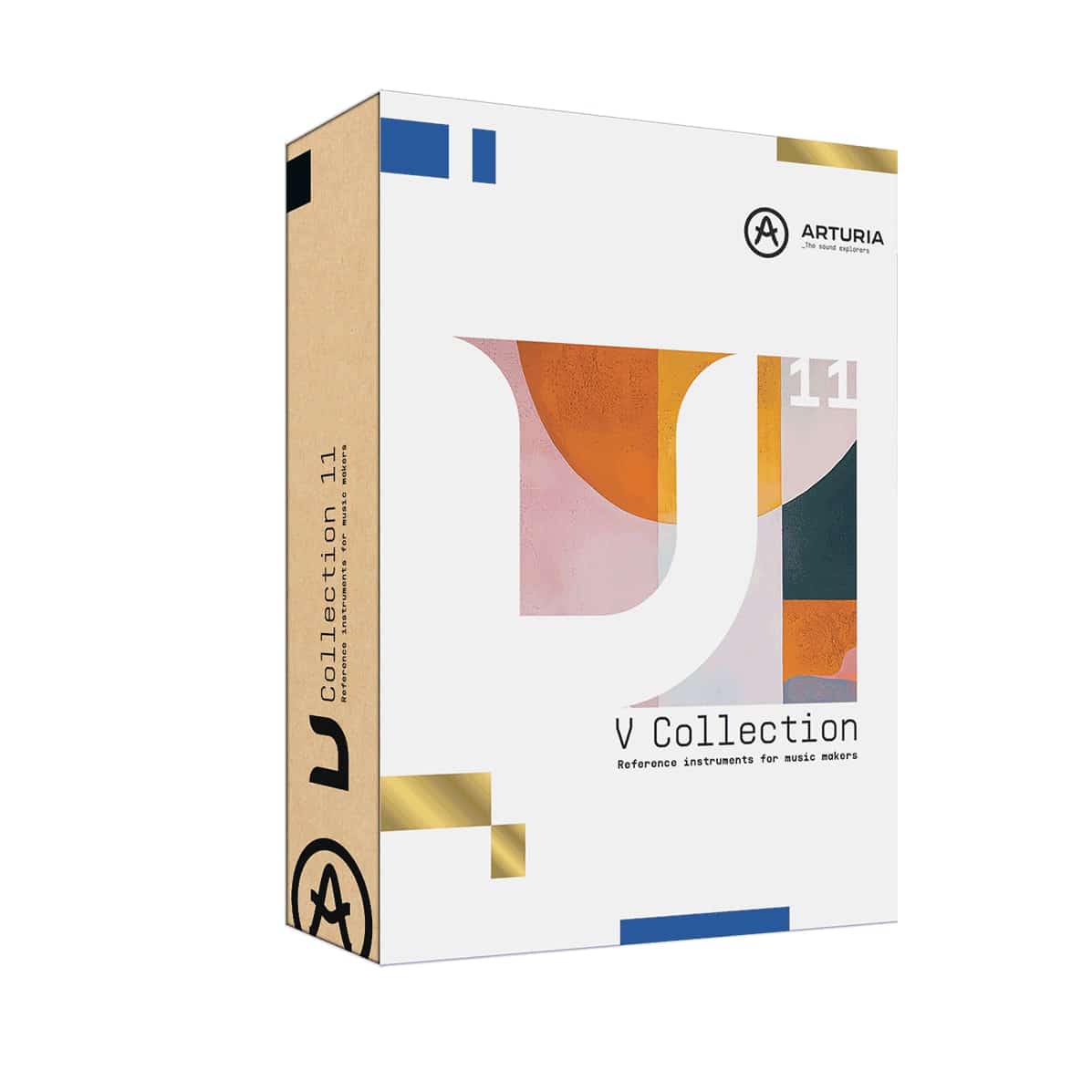
V Collection 11 Pro: The Industry Standard Bundle
V Collection 11 Pro is the industry-leading suite of software instruments, providing over 45 high-end emulations. It covers everything from legendary analog synths to rare digital samplers and acoustic pianos. It is the most comprehensive tool for producers looking to capture the “history” of music production in a single VST bundle.
Key Features of V Collection 11:
- Comprehensive Suite: Includes 45 software instruments, from the Minimoog to the CP-70 piano.
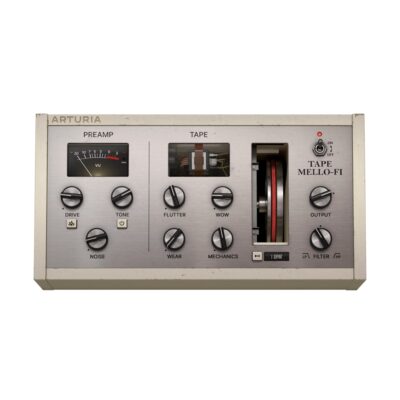
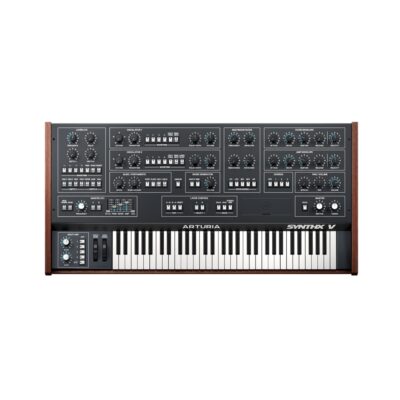
- 7 New Additions: Includes Jup-8000 V, Synthx V, MiniBrute V, Pure LoFi, Augmented MALLETS, Augmented YANGTZE, and rebuilt SEM V.
- Modern Enhancements: Emulations include “hidden” features like extra LFOs and modern FX not found on the original hardware.
- NKS Compatible: Fully optimized for Native Instruments controllers and standard DAWs.
- 4K Interface: High-resolution, resizable GUIs that look great on modern displays.
Full List of Included Instruments
The V Collection 11 Pro features a comprehensive library spanning classic to modern sounds:
- Analog & Digital Synths: Acid V, ARP 2600 V, Buchla Easel V, CS-80 V, Jup-8 V, Jun-6 V, Korg MS-20 V, Matrix-12 V, Mini V, Modular V, OP-Xa V, Prophet-5 V, Synthi V, Vocoder V, CMI V, CZ V, DX7 V, Emulator II V, MiniFreak V, Prophet-VS V, SQ80 V, Synclavier V.
- Augmented Series: BRASS, GRAND PIANO, MALLETS, STRINGS, VOICES, WOODWINDS, YANGTZE.
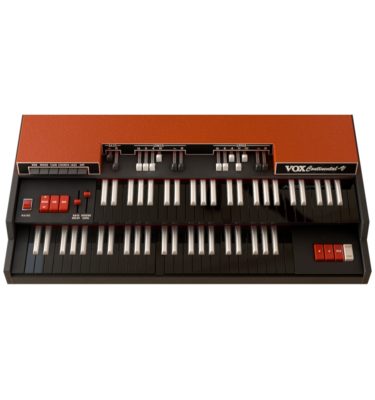
- Keyboards & Organs: B-3 V, Clavinet V, CP-70 V, Farfisa V, Mellotron V, Piano V, Solina V, Stage-73 V, Vox Continental V, Wurli V.
- Effects & Utilities: Analog Lab Pro, Pure LoFi
Step-by-Step Guide: Register & Install Your Arturia Plugins from Plugin Discounts
Activating Arturia Plugins (Purchased from Plugin Discounts)
Registering and installing Arturia plugins is managed primarily through the Arturia Software Center (ASC). To complete this process, you will need your Serial Number (format: XXXX-XXXX-XXXX-XXXX) and your Unlock Code. Uc: = Unlock Code (format: XXXXXXXX)
Follow these steps to enable your license and access the installer:
- Create or Log In to Your Arturia Account
- Go to the Arturia Account Creation page if you don’t already have one.
- Follow the instructions to register your details and confirm your account via the verification link sent to your email.
- Register Your Product
- Log in to your MyArturia account.
- Navigate to the Product Registration page or click “Register a new product” on your account dashboard.
- Enter your Serial Number and Unlock Code in the corresponding fields and click Register.
- Download and Install Arturia Software Center (ASC)
- The ASC is the central hub used to download, activate, and update all your Arturia instruments and effects.
- Download the Arturia Software Center (ASC) for your operating system (macOS or Windows).
- Run the installer and follow the on-screen prompts to complete the setup.
- Activate and Install Your Plugins
- Launch the Arturia Software Center and log in using your account credentials.
- In the main dashboard, locate your registered product in the list.
- Click the green “Activate” button next to the product to authorize it on your current computer.
- Once activated, click the “Install” button to download and install the software. You may be asked to define your preferred destination folders for VST/AU files during the first installation.
Enjoy!