Iconic H9 Collection
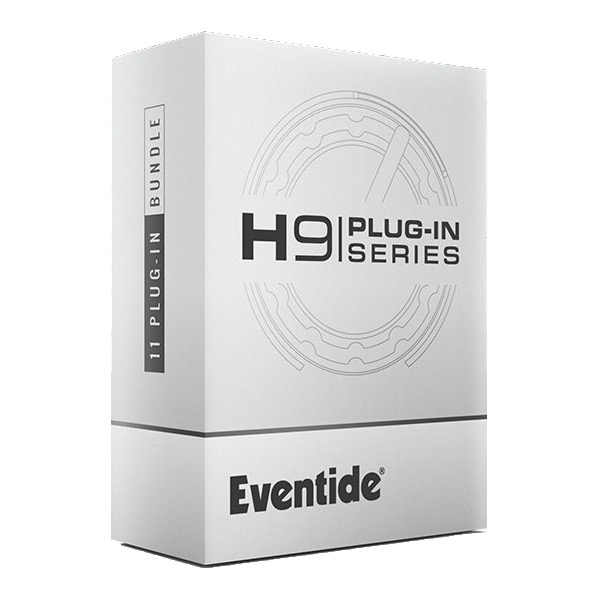
The award-winning H9 Harmonizer® effects processor is used by many popular artists in different genres including St. Vincent, Imagine Dragons, Carlos Santana, Peter Frampton, Richard Devine, Suzanne Ciani and many more. Now, you can access some of the H9’s most popular sounds in your favorite DAW. The H9 Series Plug-in Bundle is comprised of 11 Eventide H9 effects; the perfect toolbox for creative producers.
|
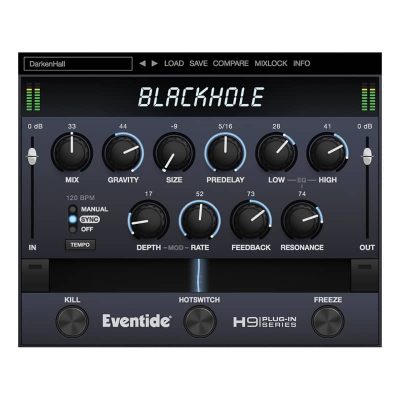
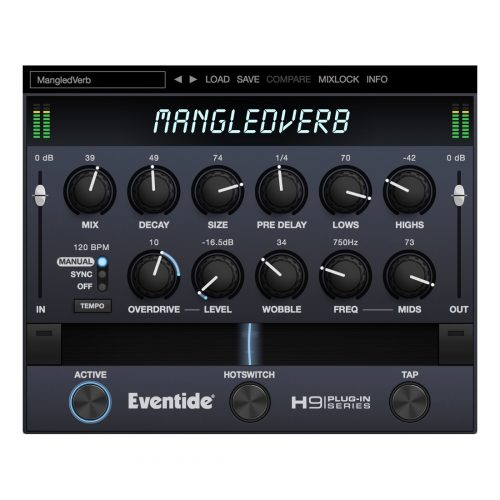
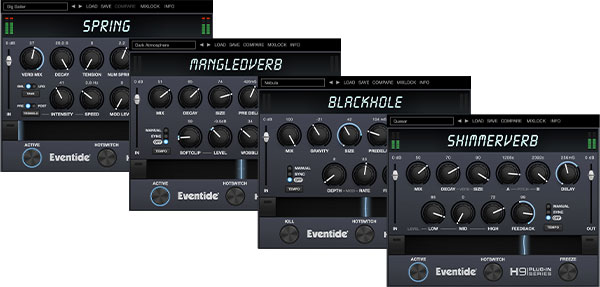
Four Unique ReverbsDiscover cavernous and other-worldly spaces with the massive, ambient terrain of Blackhole®. Push the physical boundaries of a classic spring reverb tank with the dreamy flutters of Spring. Layer pitch-shifted sheen into ethereal reverb for a creatively inspired glow with ShimmerVerb. Peel paint off the walls with the industrial and fuzzed-out decays of MangledVerb. |
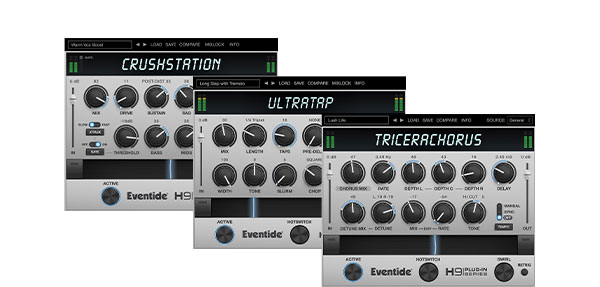
Three Creative ToolsMellow your mix with the syrupy and smooth spatial tones of TriceraChorus. Range from hazy saturation to thick octave grit and sputtering busted noise with the varied distortion tones of CrushStation®. Add UltraTap to bring stutters, glitches, zips, and chops to life in a fresh multi tap delay format – and don’t forget to turn up the “Slurm.” |
|
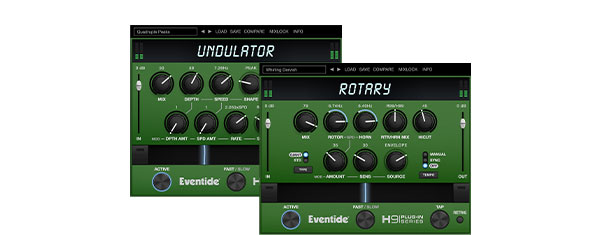
Two Creative ModulatorsRevisit a 60s and 70s staple with the vintage cab tones and refined whirling of Rotary Mod. Create sustain, shape, and rhythmic flux with the evolving textures of Undulator. |
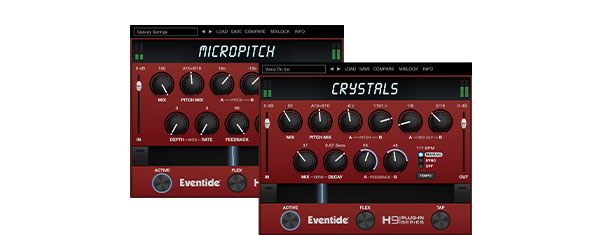
H3000 Pitch ShiftingFine-tune left and right delay channels with MicroPitch for depth and sweetening; doubles as a mainstay delay. Smear, sweep, and cascade through the signature pitch-shifted reverse delays of Crystals. |
Step-by-Step Guide: Register & Install Your Eventide Plugins from Plugin Discounts
Activating Eventide Codes (Purchased from Plugin Discounts)
Follow these steps to enable your license and access the installer:
- Step 1: Log in to your Eventide account
Go to https://www.eventideaudio.com/my-account. Create an account if you don’t have one. - Step 2: Register your plugin
Go to My Account → Register Products (or “Register a New Product”).
Enter your Serial Number and License Key.
Also enter your iLok.com username.
Submit — the license is automatically sent to your iLok account. - Step 3: Download the installer
Go to the Downloads page.
Download the correct installer for your OS (Mac or Windows) and plugin format (VST/AU/AAX). - Step 4: Install the plugin(s)
Windows: Run the .exe installer.
macOS: Open the .dmg and run the .pkg installer.
Follow the on-screen prompts. - Step 5: Authorize with iLok License Manager
Download/install iLok License Manager from www.ilok.com if you don’t have it.
Open iLok License Manager → sign in.
Find your Eventide license and drag it to your Computer (or iLok dongle).
Click Activate. - Step 6: Open your DAW
Launch your DAW and rescan for new plugins. The Eventide plugin should now appear and work.
Notes:
- Eventide plugins require iLok authorization (no physical dongle needed unless you choose one).
- Supported DAWs: Most major ones that support VST, AU, or AAX.
If you run into issues, check the official troubleshooting on the same page.