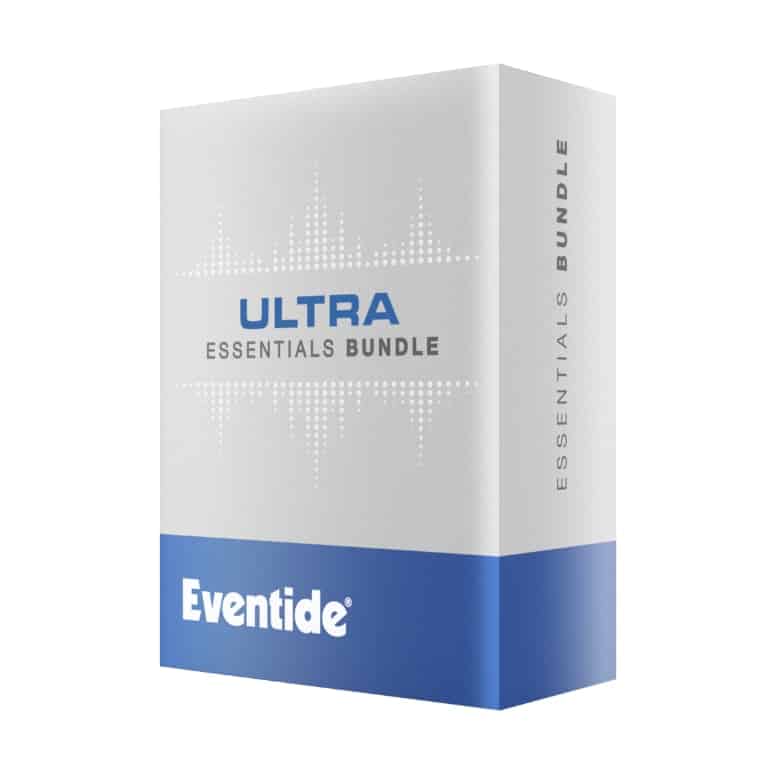
Included Plug-ins:
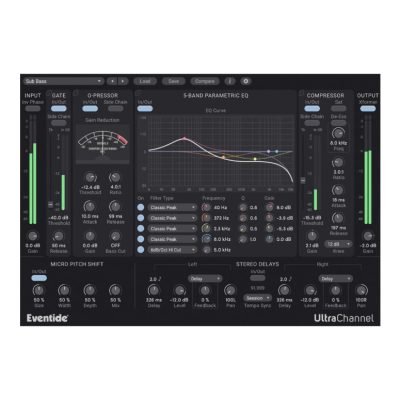
UltraChannel – The Ultimate Channel Strip
- Feature-rich plug-in that includes a parametric EQ, compressor, gate, soft saturation, transformer emulation, micro pitch shift, and stereo delays
- Exclusive O-pressor for creating dynamic effects
- FlexiPath™ routing makes it possible to rearrange the order of the processing elements for any desired workflow.
- Comes with over 200 presets tailored for a wide variety of applications
UltraTap – The Ultimate Multi-Tap Effect
- Create rhythmic delays, glitchy reverbs, huge pad-like volume swells, and extraordinary modulation.
- The perfect tool for creating drum fills, vocal choruses, swelling guitar chords, and other evolving effects
- “Spread” control speeds up or slows down the rhythmic space between taps.
- Innovative “Slurm” control smears taps together or modulates them to create truly unique reverbs.
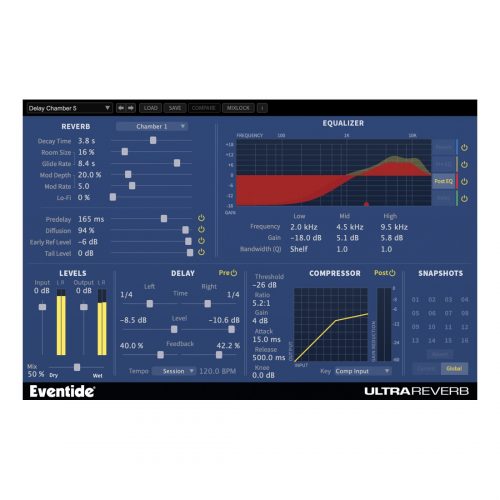
UltraReverb – The Ultimate Reverb Toolbox
- Nine H8000 hardware-derived, reverb algorithms
- Realistic simulations of halls, chambers, rooms, plates, and ambience or taken to the extreme, other-worldly environments
- The toolbox includes 4 parametric EQs, compression and delay which can be routed pre or post-reverb.
- Packed with more than 300 presets, it is arguably the most comprehensive reverb plug-in available.
Step-by-Step Guide: Register & Install Your Eventide Plugins from Plugin Discounts
Activating Eventide Codes (Purchased from Plugin Discounts)
Follow these steps to enable your license and access the installer:
- Step 1: Log in to your Eventide account
Go to https://www.eventideaudio.com/my-account. Create an account if you don’t have one. - Step 2: Register your plugin
Go to My Account → Register Products (or “Register a New Product”).
Enter your Serial Number and License Key.
Also enter your iLok.com username.
Submit — the license is automatically sent to your iLok account. - Step 3: Download the installer
Go to the Downloads page.
Download the correct installer for your OS (Mac or Windows) and plugin format (VST/AU/AAX). - Step 4: Install the plugin(s)
Windows: Run the .exe installer.
macOS: Open the .dmg and run the .pkg installer.
Follow the on-screen prompts. - Step 5: Authorize with iLok License Manager
Download/install iLok License Manager from www.ilok.com if you don’t have it.
Open iLok License Manager → sign in.
Find your Eventide license and drag it to your Computer (or iLok dongle).
Click Activate. - Step 6: Open your DAW
Launch your DAW and rescan for new plugins. The Eventide plugin should now appear and work.
Notes:
- Eventide plugins require iLok authorization (no physical dongle needed unless you choose one).
- Supported DAWs: Most major ones that support VST, AU, or AAX.
If you run into issues, check the official troubleshooting on the same page.