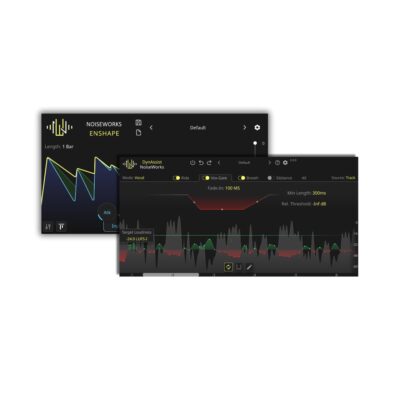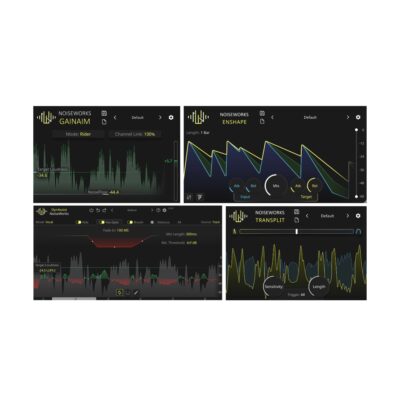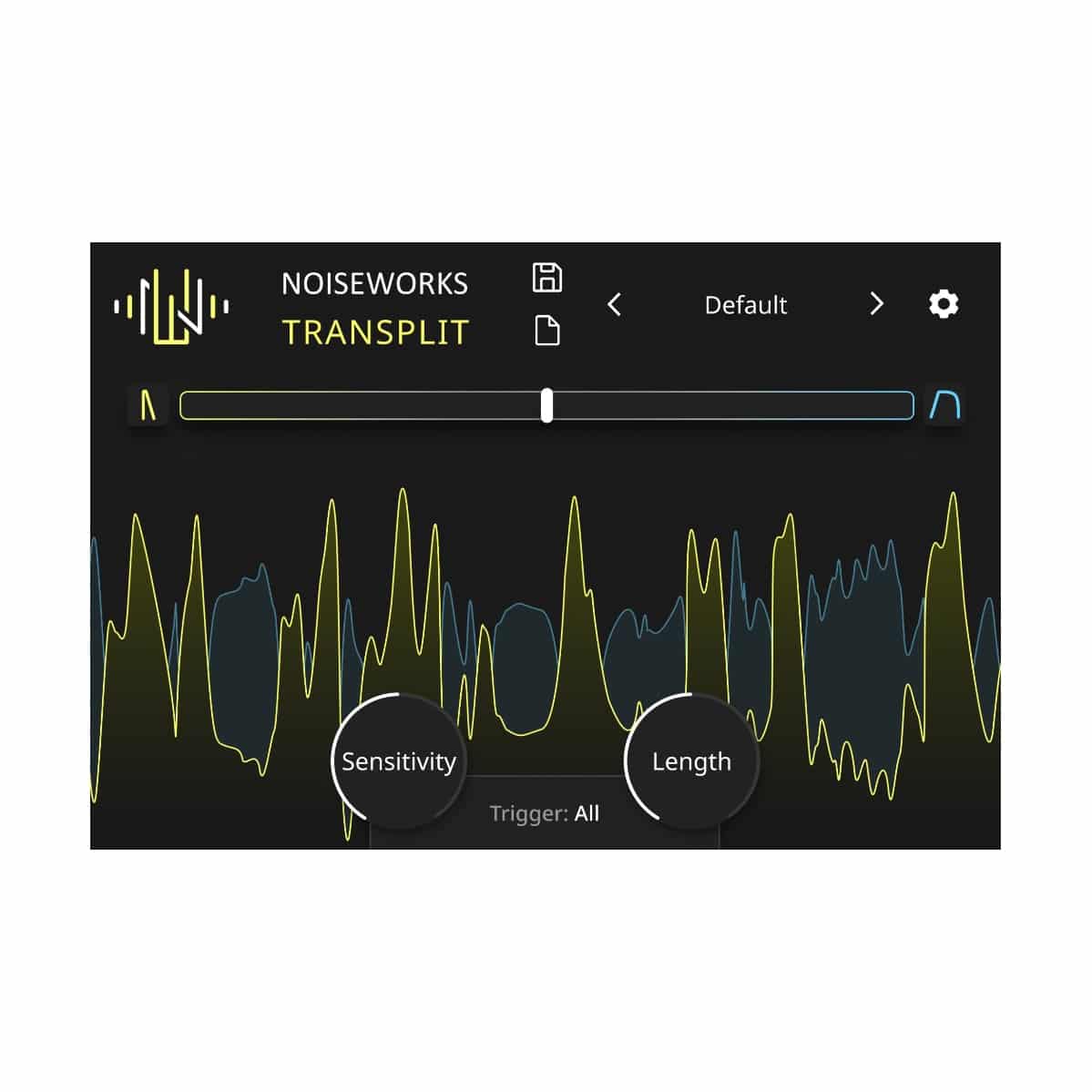
Simple transient control – The dynamics of the incoming signal are sampled in high resolution by TranSplit and divided into Punch (yellow) and Body (blue). The position of the slider determines where the focus should be shifted. This allows very dynamic instruments to be quickly controlled.
Quick and easy to use – The slider determines the volume balance between Punch and Body. Sensitivity controls how detailed the dynamics are captured. Length sets the fade-out of the detected transients (yellow), and Trigger allows a frequency focus to be established. This way, the focus can be shifted more towards the kick or more towards the crashes.
Step-by-Step Guide: Register & Install Your Noiseworks Plugins from Plugin Discounts
Activating Noiseworks Codes (Purchased from Plugin Discounts)
Follow these steps to enable your license and access the installer:
- Create an account at login.noiseworksaudio.com.
- Log in and enter your serial code/ license key in the form on the dashboard.
- Click Submit and wait a few seconds.
- Reload the page after the popup appears.
The installer is now available in the Noiseworks dashboard, and you can view all of your licenses by clicking Licenses.