AI-Powered Dialogue Cleanup with NoiseWorks VoiceAssist Advanced
Transform inconsistent recordings into professional-grade audio. NoiseWorks VoiceAssist Advanced replaces complex plugin chains with a single, intelligent interface designed for fast post-production and music mixing.
The Clean Section: Pro Noise & Reverb Removal
Stop wasting time on re-recordings. The Clean Section uses a locally running AI model to instantly strip away background noise—including traffic, fans, and room reflections—without uploading to the cloud.
- AI Denoising & De-reverb: Achieve a dry, studio-quality signal on any machine.
- Recover Highs: Instantly restore spectral clarity to muddy vocals caused by poor mic positioning.
- Privacy-First AI: All processing happens locally in your DAW (VST3, AU, AAX) with no latency or cloud requirements.
Intelligent Dynamics & Auto-Leveling
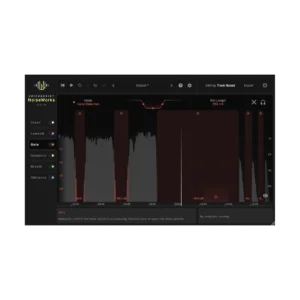
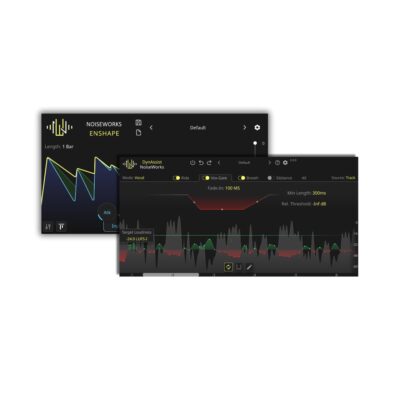
Every syllable matters. The Dynamics Section analyzes your vocal performance to write custom volume automation tailored to your mix.
- High-Speed Mode: Subtle, transparent gain riding for natural dialogue.
- Fast-Speed Mode: Aggressive leveling perfect for rap vocals and dense pop mixes.
- Professional Metering: Work in LUFS-I or LUFS-S with integrated peak control to ensure your compressors only trigger when necessary.
Low-End Recovery & Resonant Control
Give your voice weight and authority. VoiceAssist Advanced includes specialized tools for “radio-ready” low-end.
- Pitch-Based Low Cut: An intelligent filter that automatically tracks the lowest pitch of the speaker to remove rumble without thinning the voice.
- Resonance Reduction: Automatically detects and notches out harsh frequency peaks so you don’t have to hunt for them manually.
Smart De-Essing & Breath Control
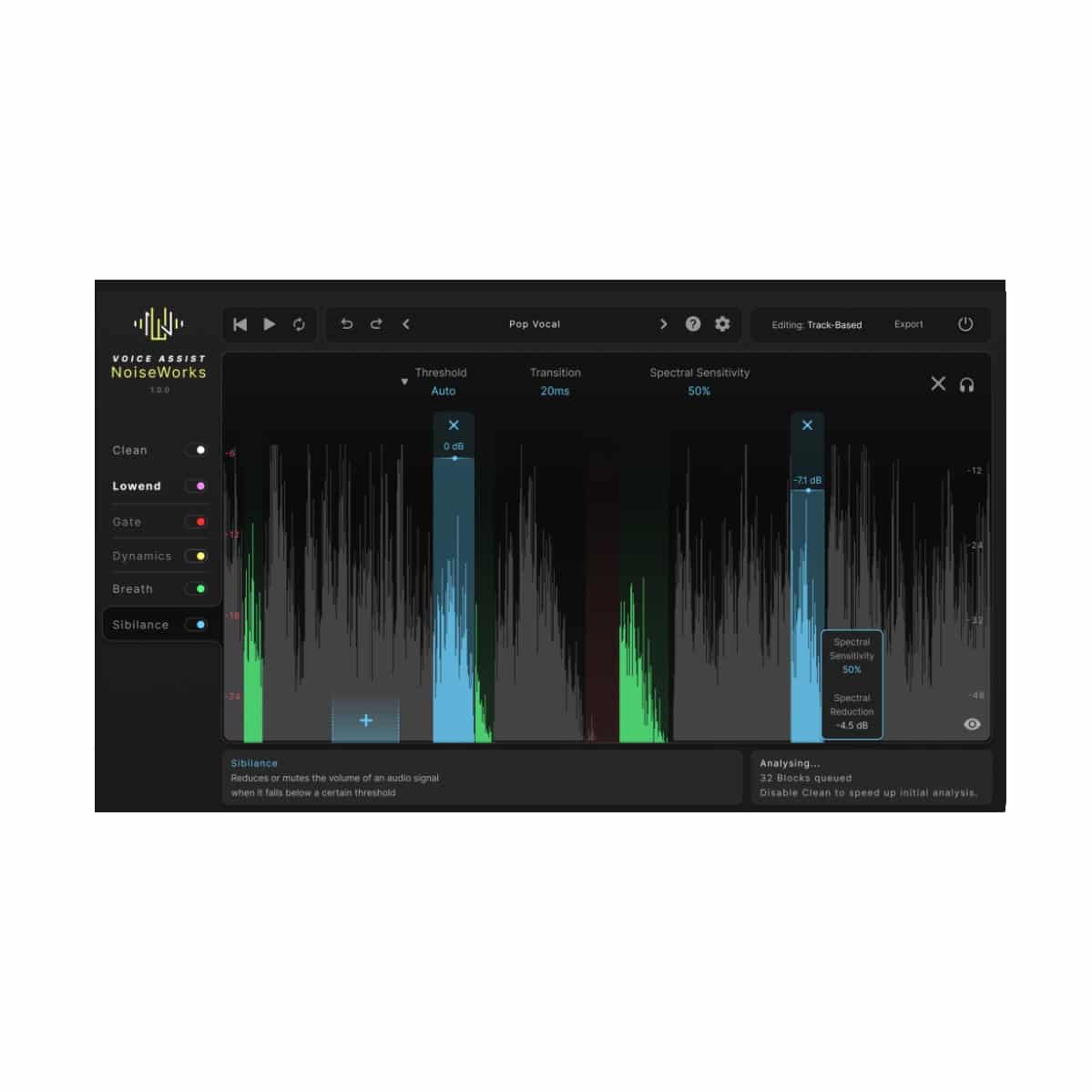
Maintain a natural sound while removing distractions. Our intelligent detection allows for surgical editing of sibilance and breaths.
- Spectral Processing: Target only the harsh frequencies, leaving the tone of the vocal untouched.
- Customizable Regions: Adjust boundaries, intensity, or manually add/remove detected breaths for total creative control.
Content-Aware Voice Gate
Say goodbye to “choppy” audio with . This content-aware gate uses silence detection rather than a fixed threshold. It adapts to varying environments and comped takes, ensuring transparent transitions and a consistent noise floor.
Not sure if VoiceAssist Standard or VoiceAssist Advanced is right for you? Check out this quick comparison.
Step-by-Step Guide: Register & Install Your Noiseworks Plugins from Plugin Discounts
Activating Noiseworks Codes (Purchased from Plugin Discounts)
Follow these steps to enable your license and access the installer:
- Create an account at login.noiseworksaudio.com.
- Log in and enter your serial code/ license key in the form on the dashboard.
- Click Submit and wait a few seconds.
- Reload the page after the popup appears.
The installer is now available in the Noiseworks dashboard, and you can view all of your licenses by clicking Licenses.