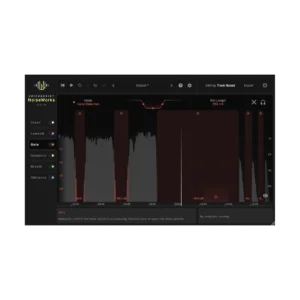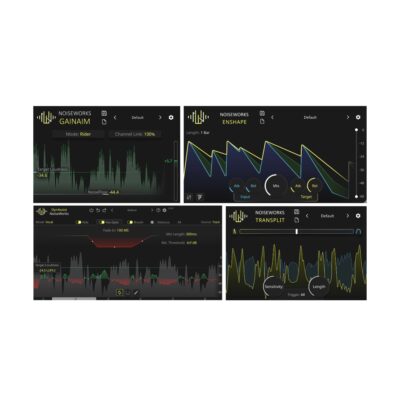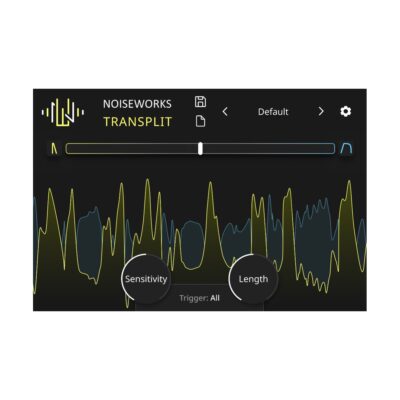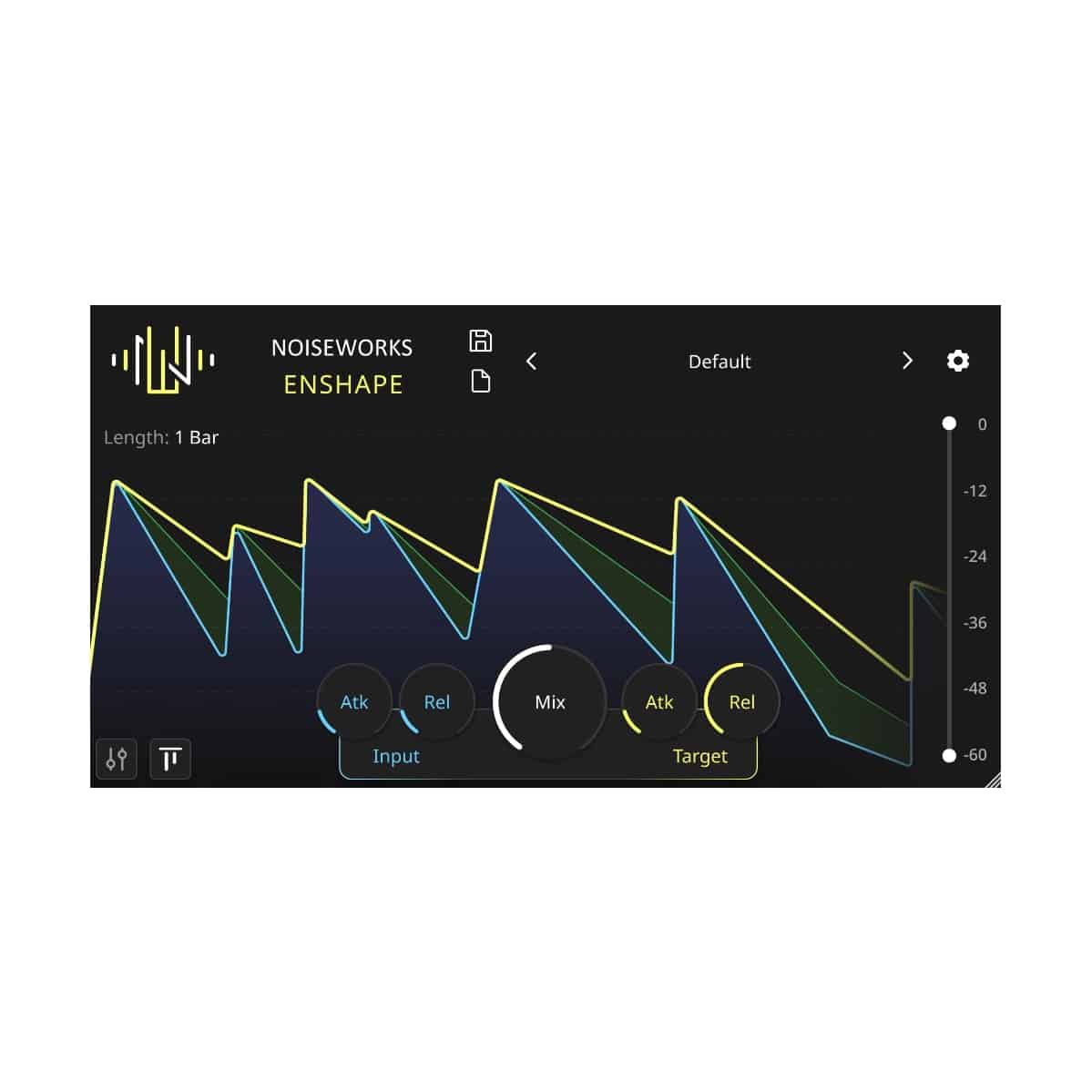
Consistency across your entire track:
A vocal dynamic shaper – Achieving what compressors can only dream of. No compressor can handle dynamics as effortlessly and precisely as Enshape does! Replace the first compressor in your chain and compress and shape your vocals regardless of their loudness. For consistent compression across the entire vocal track. No one needs a threshold anymore!
Only Four Paramters:
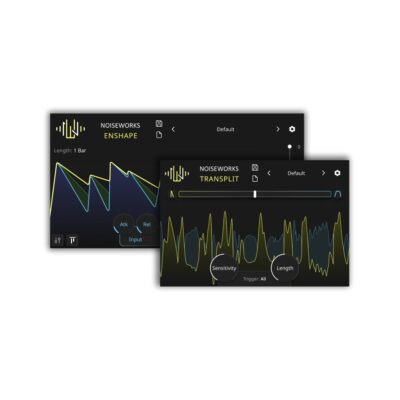
Only four parameters are required to control the compression level. Attack and Release for the Input Envelope (blue) describe how detailed the original signal should be captured. Attack and Release for the Target Envelope (yellow) determine the adjustment to be made. Longer attack values result in a reduction of the transient, while longer release values enhance sustain and release.
Step-by-Step Guide: Register & Install Your Noiseworks Plugins from Plugin Discounts
Activating Noiseworks Codes (Purchased from Plugin Discounts)
Follow these steps to enable your license and access the installer:
- Create an account at login.noiseworksaudio.com.
- Log in and enter your serial code/ license key in the form on the dashboard.
- Click Submit and wait a few seconds.
- Reload the page after the popup appears.
The installer is now available in the Noiseworks dashboard, and you can view all of your licenses by clicking Licenses.