Advanced Vocal Gain Riding with NoiseWorks VoiceAssist Standard
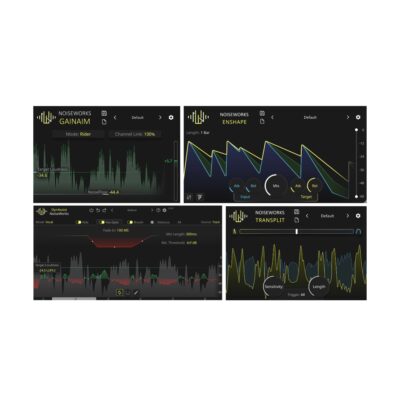
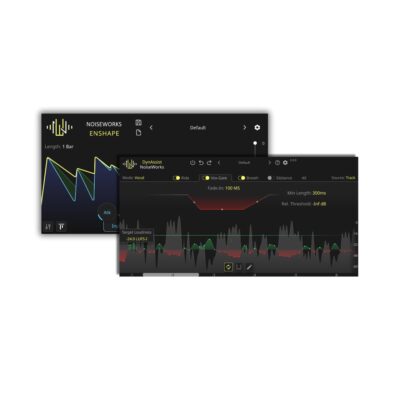
Experience perfectly leveled dialogue without the artifacts. NoiseWorks VoiceAssist Standard uses a sophisticated Gain Rider with Infinite Lookahead, made possible by deep ARA2 integration.
- Zero Pumping: Unlike traditional vocal riders that react too late, our infinite lookahead prevents “pumping” by analyzing the signal before it hits the fader.
- Target Loudness: Automatically stays locked to your chosen LUFS-I target for consistent broadcast-ready levels.
- Zero Latency Performance: Designed for high-speed workflows, the plugin operates at 0.0 ms latency with minimal CPU hit—no more playback delays or DAW lag.
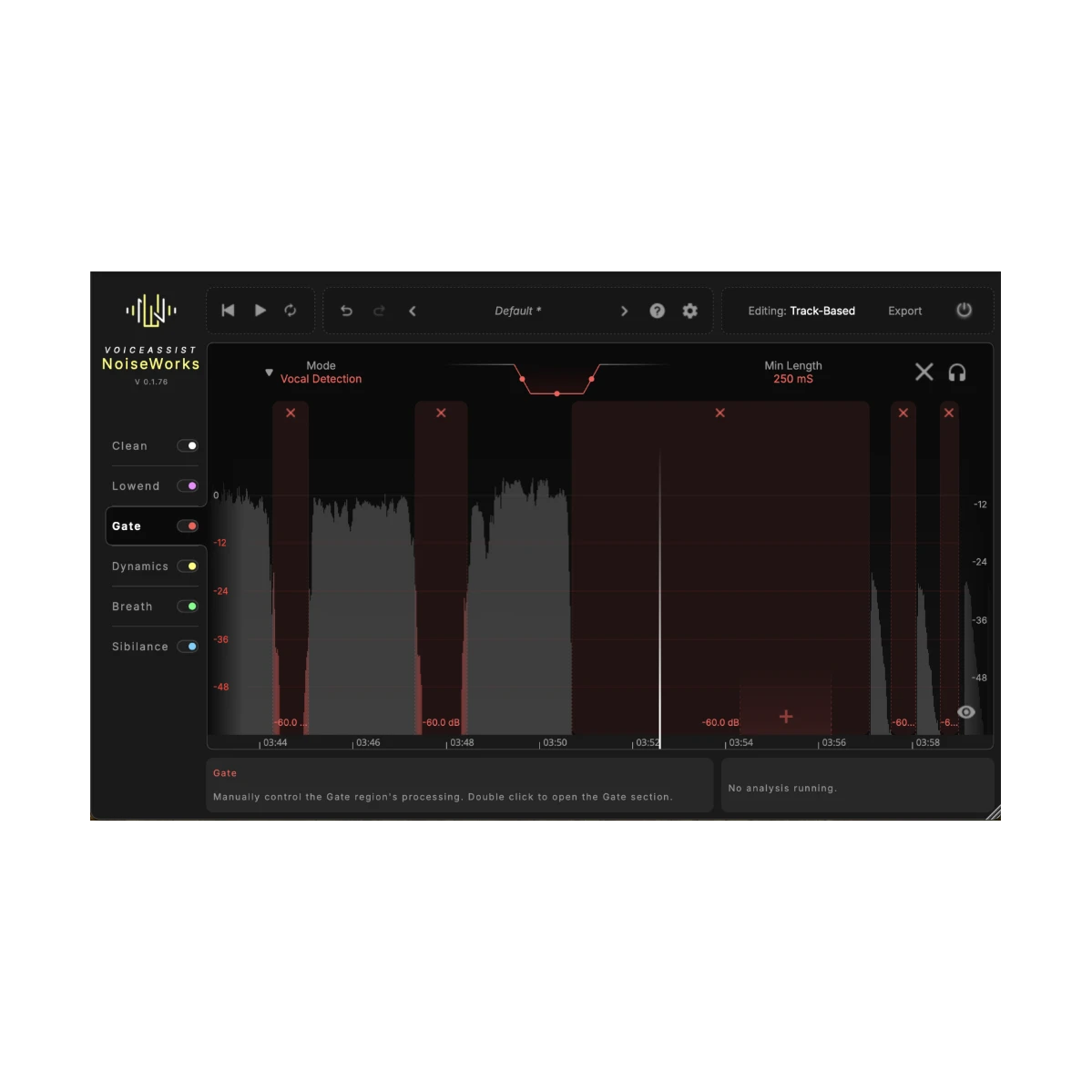
AI-Powered Vox-Gate: Intelligent Silence Removal
Traditional gates often cut off the first or last syllable of a word. The AI Vox-Gate in NoiseWorks VoiceAssist Standard uses voice-activity detection rather than a simple volume threshold to identify speech.
- Smart Detection: The gate knows the difference between a soft “S” sound and background noise, ensuring transparent transitions.
- Loudness Cutoff: Use this specialized feature to prevent “voice bleed” from other microphones—ideal for podcasting or multi-mic studio sessions.
Precision AI Breath Detection & Waveform Visualization
Stop wasting hours on manual breath editing. Our AI-driven breath detection is the most precise on the market, offering a “set-and-forget” solution for clean vocal takes.
- Visual Editing: Breaths are highlighted in light grey on the interactive waveform, allowing you to spot-check your edits instantly without listening back to the entire file.
- Auto-Leveling: Ensure every breath is tucked perfectly into the mix for a natural, professional sound.
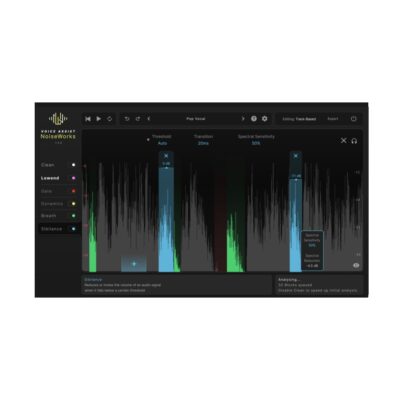
Pro Sibilance Control & De-Essing
Keep your high-end smooth and professional. The Sibilance Detection feature identifies harsh “ESS” sounds and levels them based on your custom threshold.
- Overlap Automation: View detailed automation curves directly over the highlighted sibilance in the waveform.
- Transparent Processing: Achieve surgical de-essing that maintains the character of the vocal while removing painful frequency peaks.
Not sure if VoiceAssist Standard or VoiceAssist Advanced is right for you? Check out this quick comparison.
Step-by-Step Guide: Register & Install Your Noiseworks Plugins from Plugin Discounts
Activating Noiseworks Codes (Purchased from Plugin Discounts)
Follow these steps to enable your license and access the installer:
- Create an account at login.noiseworksaudio.com.
- Log in and enter your serial code/ license key in the form on the dashboard.
- Click Submit and wait a few seconds.
- Reload the page after the popup appears.
The installer is now available in the Noiseworks dashboard, and you can view all of your licenses by clicking Licenses.