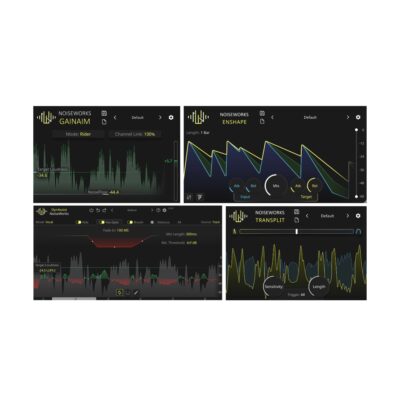
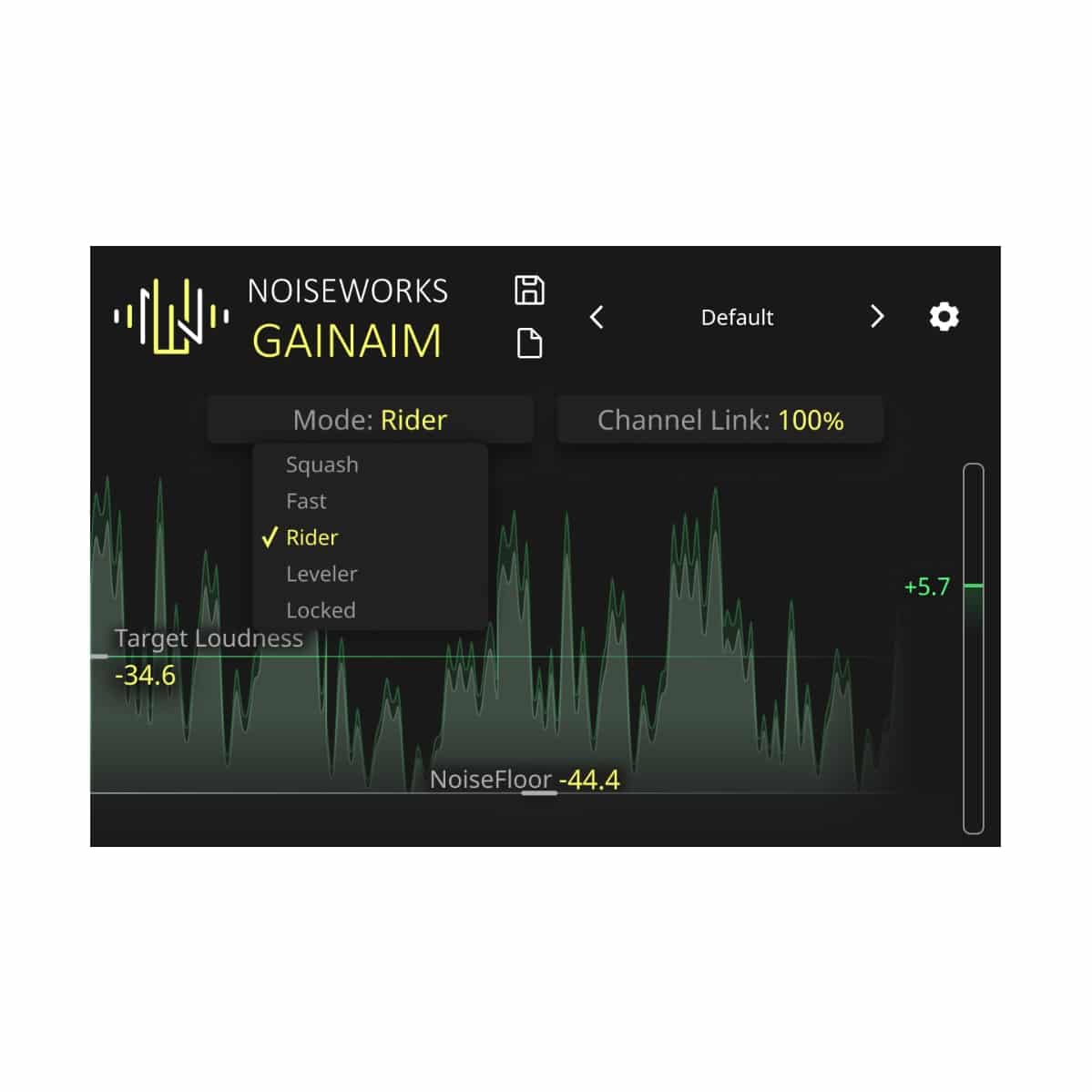
Designed for Every Genre & Content – GainAim adapts flexibly to any genre and signal with different modes – from opera and rock to hip-hop and rap. Even instruments like guitar and drums benefit from precise volume adjustment. The modes control how quickly GainAim adjusts the signal to the target loudness.
Rider – Preserves the natural sound of your vocals, perfect for studio & live.
Leveler – Works as auto-gain for any vocal track.
Fast – Ideal for bass & dynamic signals like percussion & rap.
Squash – Instantly pushes the signal to the target loudness.
Locked – Keeps the current gain setting fixed.
Precise Control in Real Time – GainAim reliably brings your signal to the target loudness, with flexible modes for quick or natural adjustment. Thanks to low latency, your sound remains delay-free even during live events.
Smart features for a perfect mix:
NoiseFloor – Removes breath noises & background noise below a set threshold.
Channel Link – Controls stereo linking for balanced volume.
Signal Preparation – Optimizes levels for even compression.
Maximize control & clarity – with GainAim.
Step-by-Step Guide: Register & Install Your Noiseworks Plugins from Plugin Discounts
Activating Noiseworks Codes (Purchased from Plugin Discounts)
Follow these steps to enable your license and access the installer:
- Create an account at login.noiseworksaudio.com.
- Log in and enter your serial code/ license key in the form on the dashboard.
- Click Submit and wait a few seconds.
- Reload the page after the popup appears.
The installer is now available in the Noiseworks dashboard, and you can view all of your licenses by clicking Licenses.