
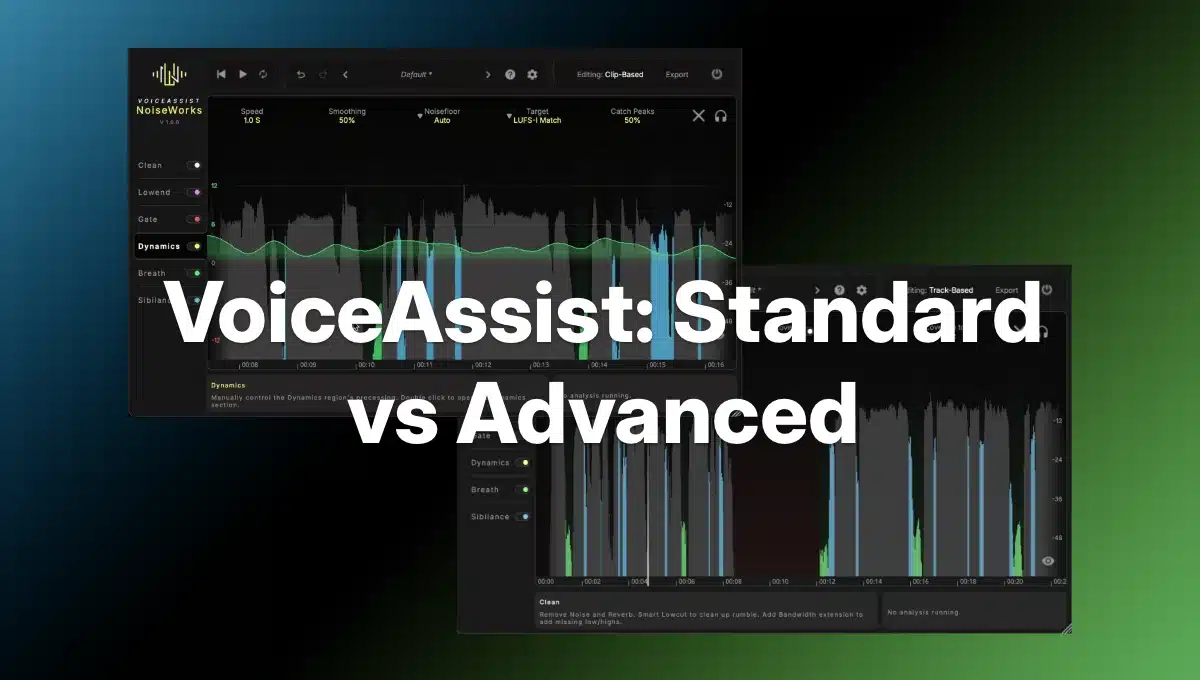
Let’s compare features of NoiseWorks VoiceAssist Standard vs Advanced.
With the new restructure of the NoiseWorks VoiceAssist line, NoiseWorks has established a clear hierarchy for audio professionals. While both VoiceAssist Standard and VoiceAssist Advanced share the same underlying local AI engine and ARA-compatible interface, they target fundamentally different stages of the vocal production workflow.
The Functional Core: VoiceAssist Standard
VoiceAssist Standard serves as the spiritual and functional successor to DynAssist. It is primarily a “dynamics and cleanup” tool. Its main goal is to take a well-recorded vocal and make it “mix-ready” by handling the tedious labor of manual clip gaining and basic housekeeping.
- Who it’s for: Music producers, podcasters, and broadcasters working with relatively clean recordings.
- Key Modules: It includes Intelligent Leveling, an AI-Powered Gate, Smart Breath Control, and a De-Esser.
- The Workflow: Standard excels at creating a consistent “vocal ride.” It analyzes the performance and writes editable automation for volume, breaths, and sibilance, allowing you to bypass heavy compression that might otherwise suck the life out of a performance.
The Repair Powerhouse: VoiceAssist Advanced
VoiceAssist Advanced is an “all-in-one” restoration suite. It includes everything in Standard but adds two massive sections: Clean and Low End, alongside workflow-enhancing tools like AudioSuite support and a Standalone Application.
- Who it’s for: Audio post-production professionals, dialogue editors, and mixers dealing with “rescue” missions—noisy location audio, smartphone recordings, or poorly treated rooms.
- Key Modules: Clean Section + Low End Section:
- Clean Section: AI-driven Spectral De-noising, De-reverberation (removing room reflections), and Frequency Restoration (rebuilding lost high-end information).
- Low End Section: This features bass restoration and automatic resonance suppression, which identifies and ducks “muddy” frequencies that change as the speaker moves relative to the mic.
- Workflow Enhancements: The Advanced tier is the only version that includes the Standalone App, allowing for batch processing outside of a DAW, and iLok support for professional studio environments.
Technical Requirements and Considerations
Both versions require 16 GB of RAM and run natively on Apple Silicon (M1-M4) macOS 13+. However, Windows users face a specific hardware hurdle:
- Standard: Requires a dedicated GPU (NVIDIA/AMD with 4 GB VRAM) specifically to run the Breath Section.
- Advanced: Requires a dedicated GPU for its entire suite of spectral cleaning tools.
Comparison Table: VoiceAssist Standard vs Advanced
✅ = Included.
| Feature | VoiceAssist Standard | VoiceAssist Advanced |
|---|---|---|
| Intelligent Leveling | ✅ | ✅ |
| AI-Powered Gate | ✅ | ✅ |
| Smart Breath Control | ✅ | ✅ |
| De-Esser | ✅ | ✅ |
| Clean Section (Denoising, De-Reverb, Frequency Restoration) | ✅ | |
| Low End Section (Bass Restoration + Resonance Control) | ✅ | |
| Standalone Application | ✅ | |
| AudioSuite Support (Pro Tools) | ✅ | |
| ARA Integration | ✅ | ✅ |
| Transfer Mode (non-ARA DAWs) | ✅ | ✅ |
| Editable Automation | ✅ | ✅ |
Conclusion: Which One Do You Need?
If your recordings are already “clean” but need professional leveling and breath control to sit in a mix, Standard provides incredible value, especially since it is a free upgrade for DynAssist owners.
However, if you are regularly fighting background noise, room echo, or “thin” remote audio, the Advanced tier’s spectral tools are essential. The Advanced version ensures that users can start with the basics and expand their toolkit as their projects become more demanding.
Buy Noiseworks VoiceAssist Standard or VoiceAssist Advanced at Plugin Discounts.