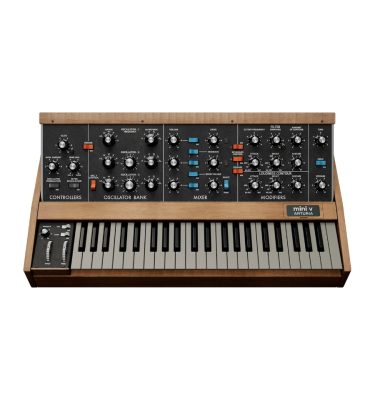
Arturia Jup-8 V4: Iconic Analog Poly Synth Emulation
Jup-8 V4 is Arturia’s faithful recreation of the Roland Jupiter-8, the pinnacle of 80s polyphonic synthesis. Known for its lush pads and powerful leads, the V4 update completely rebuilt the sound engine to deliver even more analog warmth and grit.
Key Features of Jup-8 V4:
- Rebuilt Engine: Drastically improved analog modeling for authentic, creamy poly-sounds.
- Modern Workflow: Features 300+ factory presets, advanced macro controls for quick editing, and built-in tutorials.
- Enhanced Sound Design: Includes 4 custom voice dispersion modes for subtle analog inconsistency.
- Advanced Features: Complex LFOs, a step-sequencer, and modulation routing beyond the original hardware.
- Built-in FX: Modern delay and reverb sections to polish your sounds without extra plugins.
Step-by-Step Guide: Register & Install Your Arturia Plugins from Plugin Discounts
Activating Arturia Plugins (Purchased from Plugin Discounts)
Registering and installing Arturia plugins is managed primarily through the Arturia Software Center (ASC). To complete this process, you will need your Serial Number (format: XXXX-XXXX-XXXX-XXXX) and your Unlock Code. Uc: = Unlock Code (format: XXXXXXXX)
Follow these steps to enable your license and access the installer:
- Create or Log In to Your Arturia Account
- Go to the Arturia Account Creation page if you don’t already have one.
- Follow the instructions to register your details and confirm your account via the verification link sent to your email.
- Register Your Product
- Log in to your MyArturia account.
- Navigate to the Product Registration page or click “Register a new product” on your account dashboard.
- Enter your Serial Number and Unlock Code in the corresponding fields and click Register.
- Download and Install Arturia Software Center (ASC)
- The ASC is the central hub used to download, activate, and update all your Arturia instruments and effects.
- Download the Arturia Software Center (ASC) for your operating system (macOS or Windows).
- Run the installer and follow the on-screen prompts to complete the setup.
- Activate and Install Your Plugins
- Launch the Arturia Software Center and log in using your account credentials.
- In the main dashboard, locate your registered product in the list.
- Click the green “Activate” button next to the product to authorize it on your current computer.
- Once activated, click the “Install” button to download and install the software. You may be asked to define your preferred destination folders for VST/AU files during the first installation.
Enjoy!