Eventide Anthology XII – All 32 Plugins:
Mixing Essentials
- SplitEQ
- Physion Mk II
- Tverb
- Octavox
- Quadravox
- UltraReverb
Creative FX
- Blackhole®
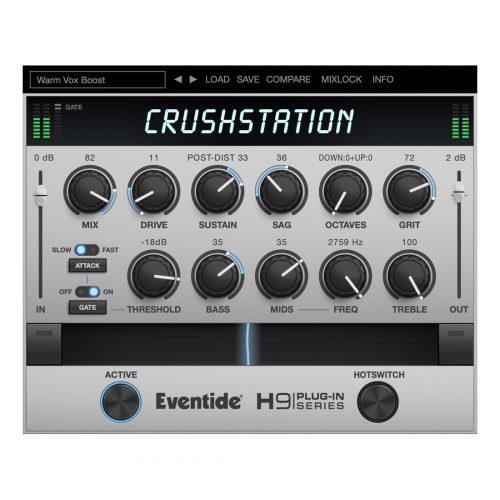
- CrushStation®
- Crystals
- MangledVerb
- MicroPitch
- Rotary Mod
- ShimmerVerb
- Spring
- TriceraChorus
- UltraTap
- Undulator
Classic Emulations
- H3000 Factory Mk II
- H3000 Band Delays Mk II
- H910 Harmonizer®
- H910 Dual Harmonizer
- H949 Harmonizer®
- H949 Dual Harmonizer
- Omnipressor®
- Instant Phaser Mk II
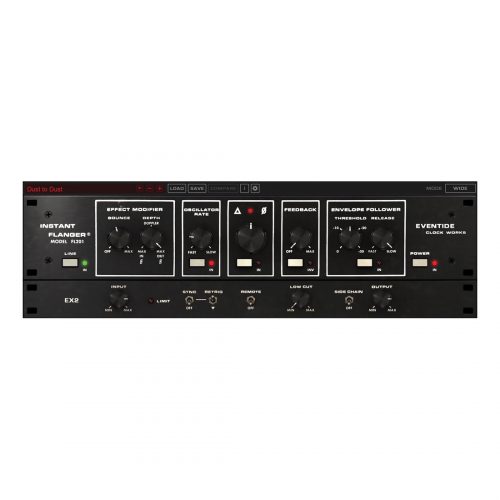
- Instant Flanger Mk II
- SP2016 Reverb
Utilities
- UltraChannel
- EChannel
- EQ45
- EQ65
- Precision Time Align
Step-by-Step Guide: Register & Install Your Eventide Plugins from Plugin Discounts
Activating Eventide Codes (Purchased from Plugin Discounts)
Follow these steps to enable your license and access the installer:
- Step 1: Log in to your Eventide account
Go to https://www.eventideaudio.com/my-account. Create an account if you don’t have one. - Step 2: Register your plugin
Go to My Account → Register Products (or “Register a New Product”).
Enter your Serial Number and License Key.
Also enter your iLok.com username.
Submit — the license is automatically sent to your iLok account. - Step 3: Download the installer
Go to the Downloads page.
Download the correct installer for your OS (Mac or Windows) and plugin format (VST/AU/AAX). - Step 4: Install the plugin(s)
Windows: Run the .exe installer.
macOS: Open the .dmg and run the .pkg installer.
Follow the on-screen prompts. - Step 5: Authorize with iLok License Manager
Download/install iLok License Manager from www.ilok.com if you don’t have it.
Open iLok License Manager → sign in.
Find your Eventide license and drag it to your Computer (or iLok dongle).
Click Activate. - Step 6: Open your DAW
Launch your DAW and rescan for new plugins. The Eventide plugin should now appear and work.
Notes:
- Eventide plugins require iLok authorization (no physical dongle needed unless you choose one).
- Supported DAWs: Most major ones that support VST, AU, or AAX.
If you run into issues, check the official troubleshooting on the same page.