ACE Studio Artist 2.0 Lifetime:
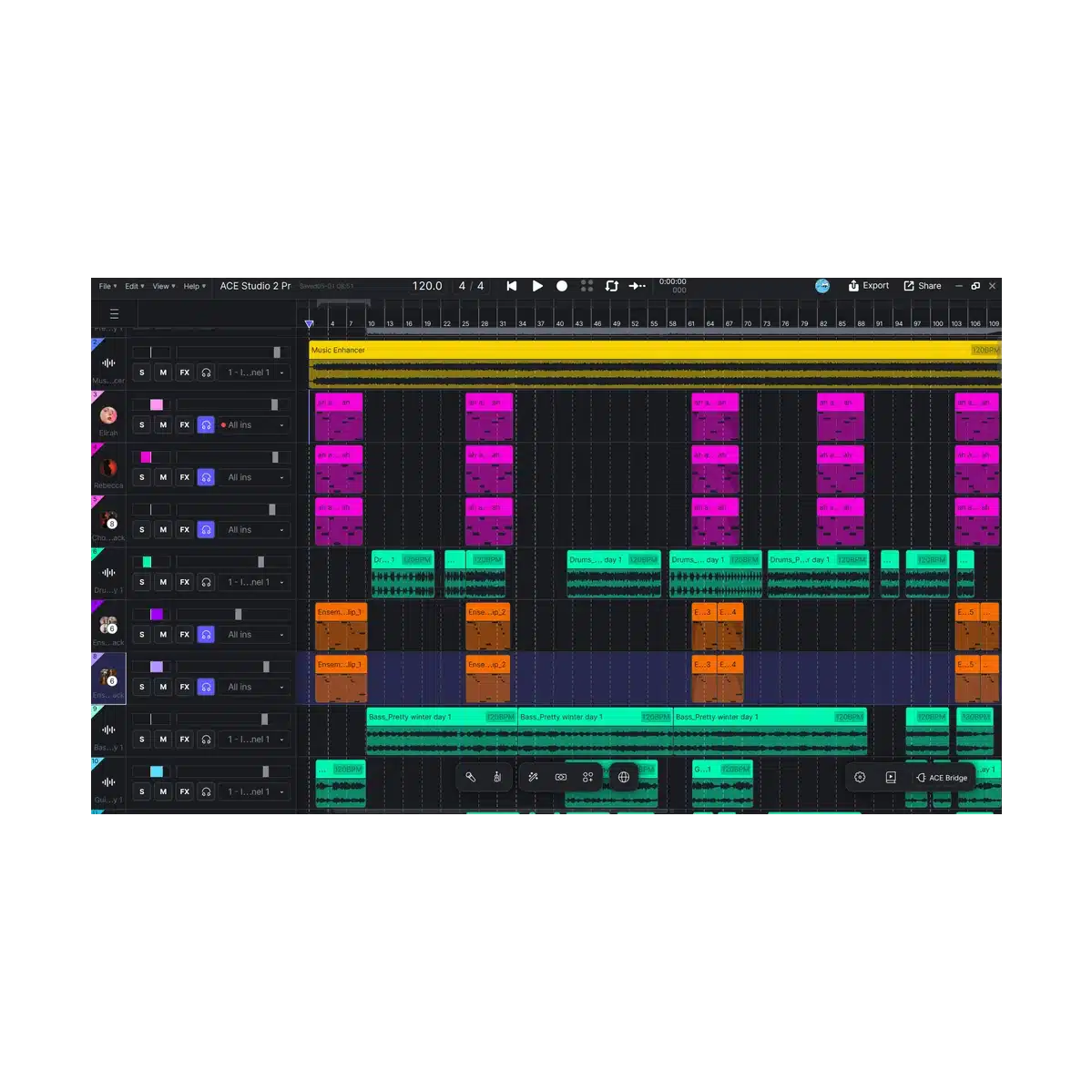
At its heart, ACE Studio Artist 2.0 delivers cutting-edge AI vocal synthesis: input MIDI notes + lyrics to instantly create studio-quality singing performances. Choose from over 140 royalty-free AI voice models covering diverse genres, timbres, and languages—including pop, rap, ballad, chanson, country, kids choir, and more. Fine-tune every detail: phrasing, pitch bends, vibrato, dynamics, and emotional nuance for human-like expressiveness that goes far beyond basic text-to-speech or auto-generation tools.Beyond vocals, the software includes:
- AI Instruments — Generate breathtakingly realistic performances (e.g., violin, viola, and other strings) from MIDI—no massive sample libraries required.
- Generative AI Kits — Turn text prompts, MIDI, and lyrics into complete vocal/instrumental ideas and creative building blocks.
- Voice Changer & Voice Cloning — Instantly transform existing vocals or train custom singing models from your own voice samples for personalized, unique results.
- Audio Editing Power Tools — Stem splitter, vocal-to-MIDI conversion, and other production utilities integrated into a modern, DAW-friendly canvas.
When you purchase an Ace Studio product from Plugin Discounts, you receive a Voucher Code (also called Redeem Code or Serial Number). This voucher unlocks your lifetime license in your ACE Studio account. After redeeming, you can download and install the software + ACE Bridge 2 plugin. Tip: If you can’t find the email, search your inbox for “Plugin Discounts” + the plugin name, or contact our support. The same info can be found within your order details in your account on our site. Important Redemption Notes: System Requirements: The plugin installs automatically with ACE Studio (or you will be prompted on first launch). After installation, ACE Bridge 2 appears in your DAW as an instrument plugin (VST3 / AU / AAX). Official Resources: That’s it! Once you redeem the voucher and install, your ACE Studio lifetime license is fully active with no further payments. You now have permanent access to all AI vocals, instruments, voice cloning, and the ACE Bridge 2 plugin in your DAW. Enjoy making music! 🎵Step-by-Step Guide: Register & Install Your ACE Studio Products from Plugin Discounts
1. Gather Your Purchase Details from Plugin Discounts
2. Create / Log Into Your ACE Studio Account (Required)
3. Redeem Your Voucher Code
4. Download & Install ACE Studio
5. Install the ACE Bridge 2 Plugin
Windows
macOS
6. Add ACE Bridge 2 to Your DAW
7. Troubleshooting