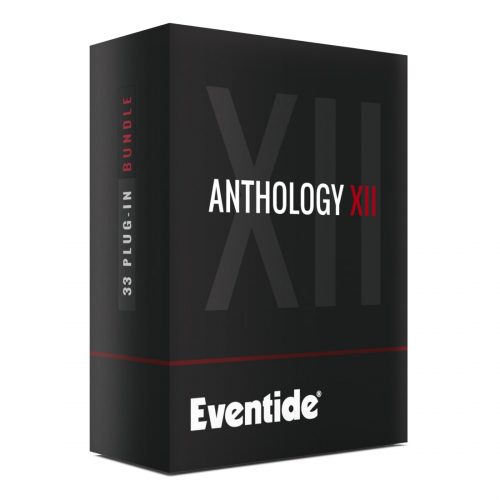
8 Iconic Plug-ins Valued Over $1,000
| The Instant Phaser was the world’s first studio phaser and the first rack mount effects unit, period. Originally intended to make the painstaking task of tape flanging quick and easy, engineers and producers would use it for smooth, transparent modulation and pleasing stereo decorrelation. It used analog all pass filters to mimic the effect achieved by time delay resulting in a modulation effect all its own. Experience all of its analog charm with the Instant Phaser Mk II plugin and add “Age” to taste. (MSRP $129) | 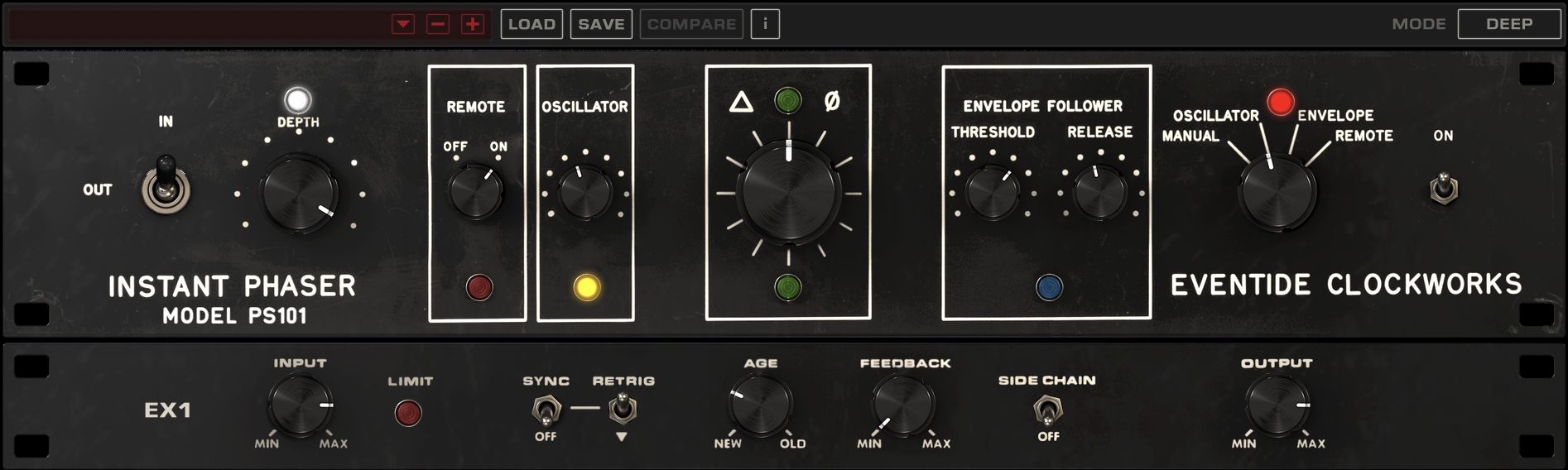 |
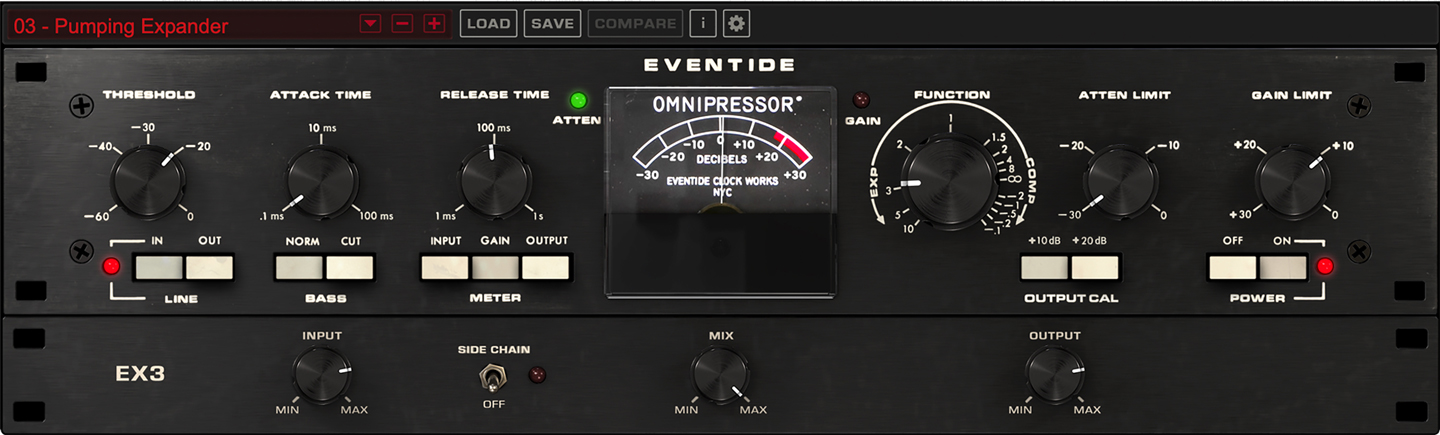 |
The Omnipressor, released in 1974, set the stage as the first dynamics effects processor, introducing the concepts of infinite compression, dynamic reversal, and side-chaining. The flexible nature makes the Omnipressor plugin a must-have, with options to control all aspects of dynamic modification. (MSRP $149) |
| The H910 Harmonizer was the world’s first digital effects unit. With its unique combinations of pitch shifting, feedback, modulation and delay, it was a huge hit across studios worldwide. Thickening snares, guitars and vocals are H910’s bread and butter, but robot sounds and gritty octaves are just as easily dialed in. Bundle includes H910 Dual. (MSRP $249) | 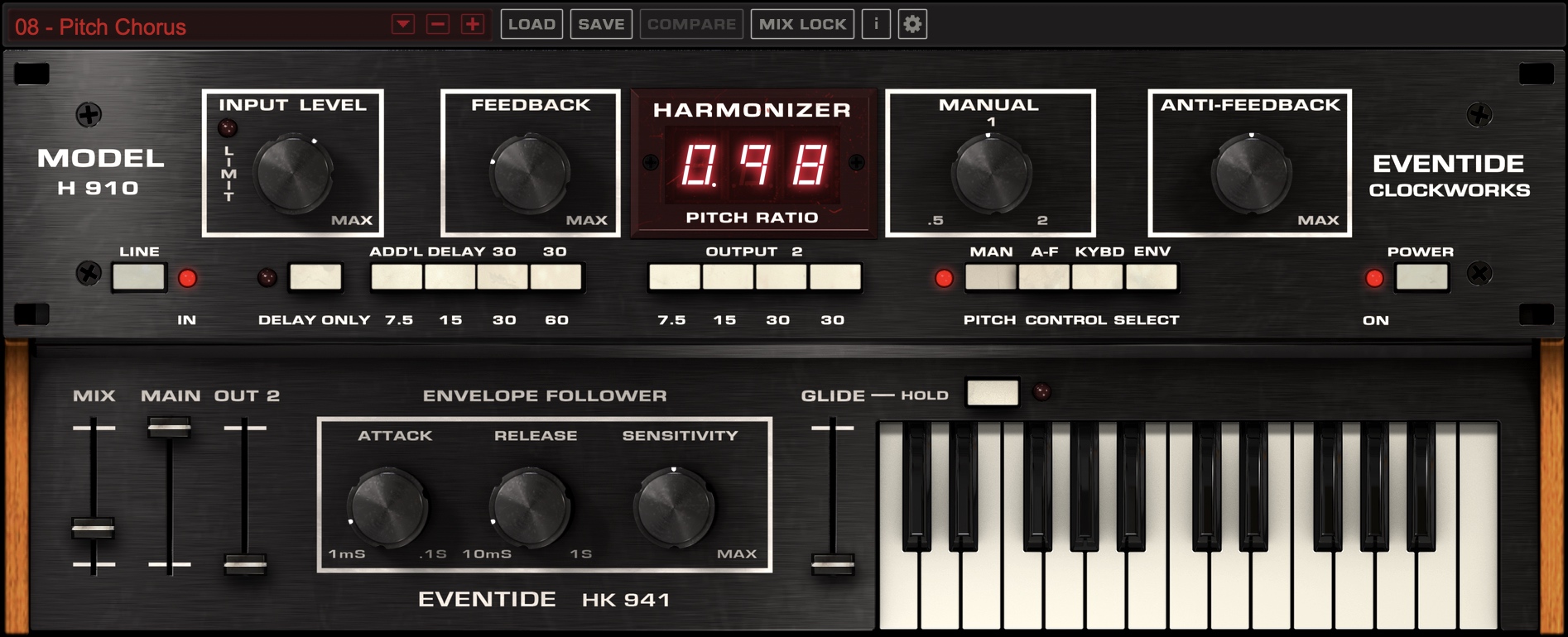 |
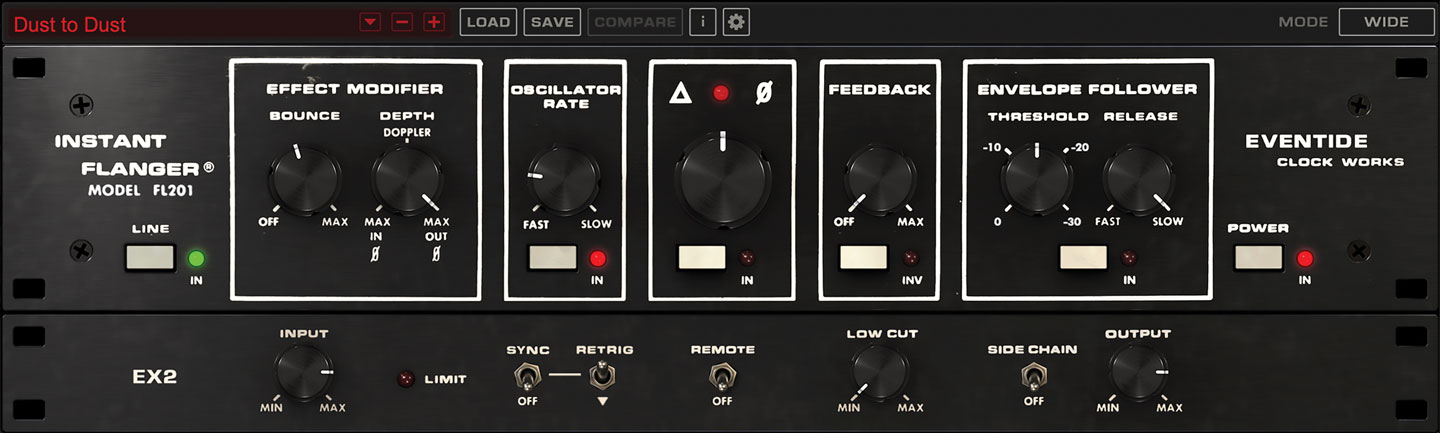 |
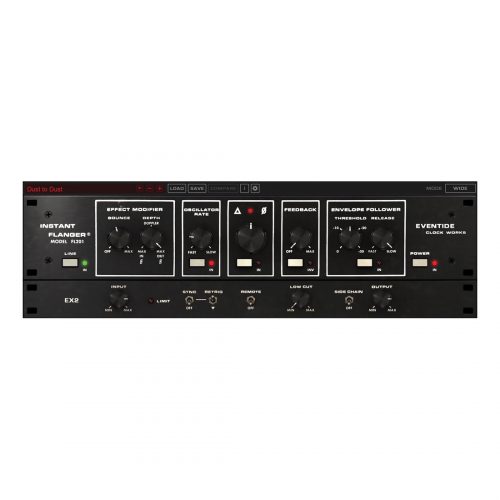
The Instant Flanger utilized newfangled bucket brigade ICs for swept delay resulting in a ‘true’, time-based, emulation of tape flanging. Whereas the Instant Phaser offered several methods of controlling modulation, the Instant Flanger allowed engineers to combine these controls. The result, more control layers and less predictable sweeps. Explore vintage modulation sweetness with the Instant Flanger Mk II. (MSRP $129) |
| In 1977, Eventide released the H949, standing on the shoulders of the H910 as the second in Eventide’s family of Harmonizers. It introduced a formal micro pitch-shifting mode, which is a great sound for lead guitar virtuosos. It also had the first Reverse delays and introduced a Random pitch mode, which works great as an automatic double-track for guitars and vocals. And, the H949 conquered the ‘glitch’ by using advanced autocorrelation techniques. Bundle includes H949 Dual. (MSRP $199) | 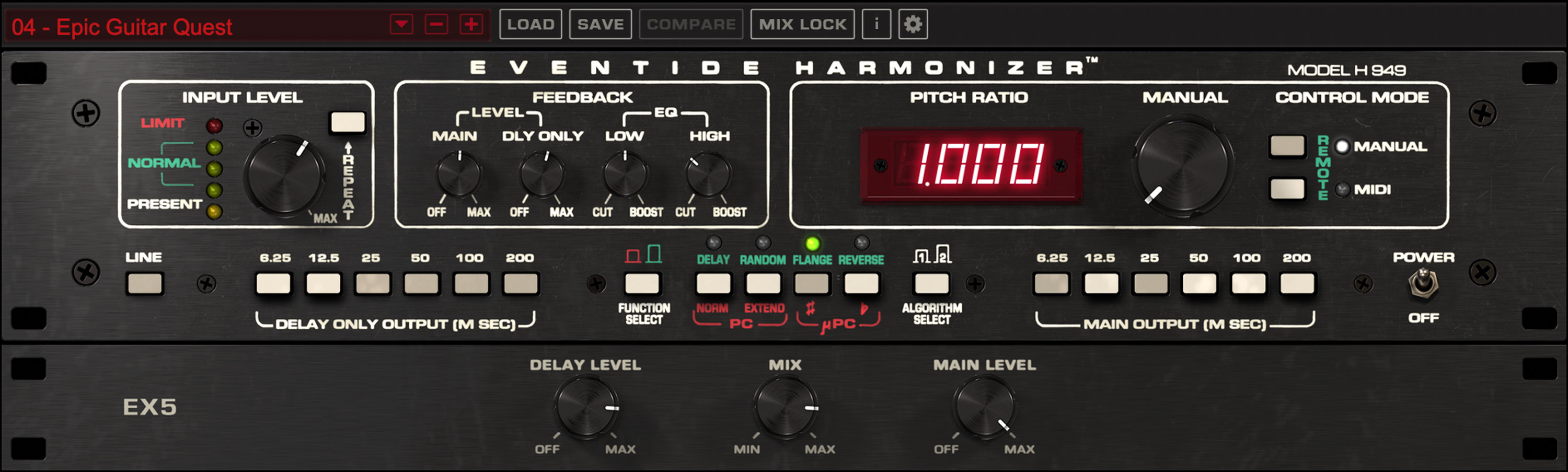 |
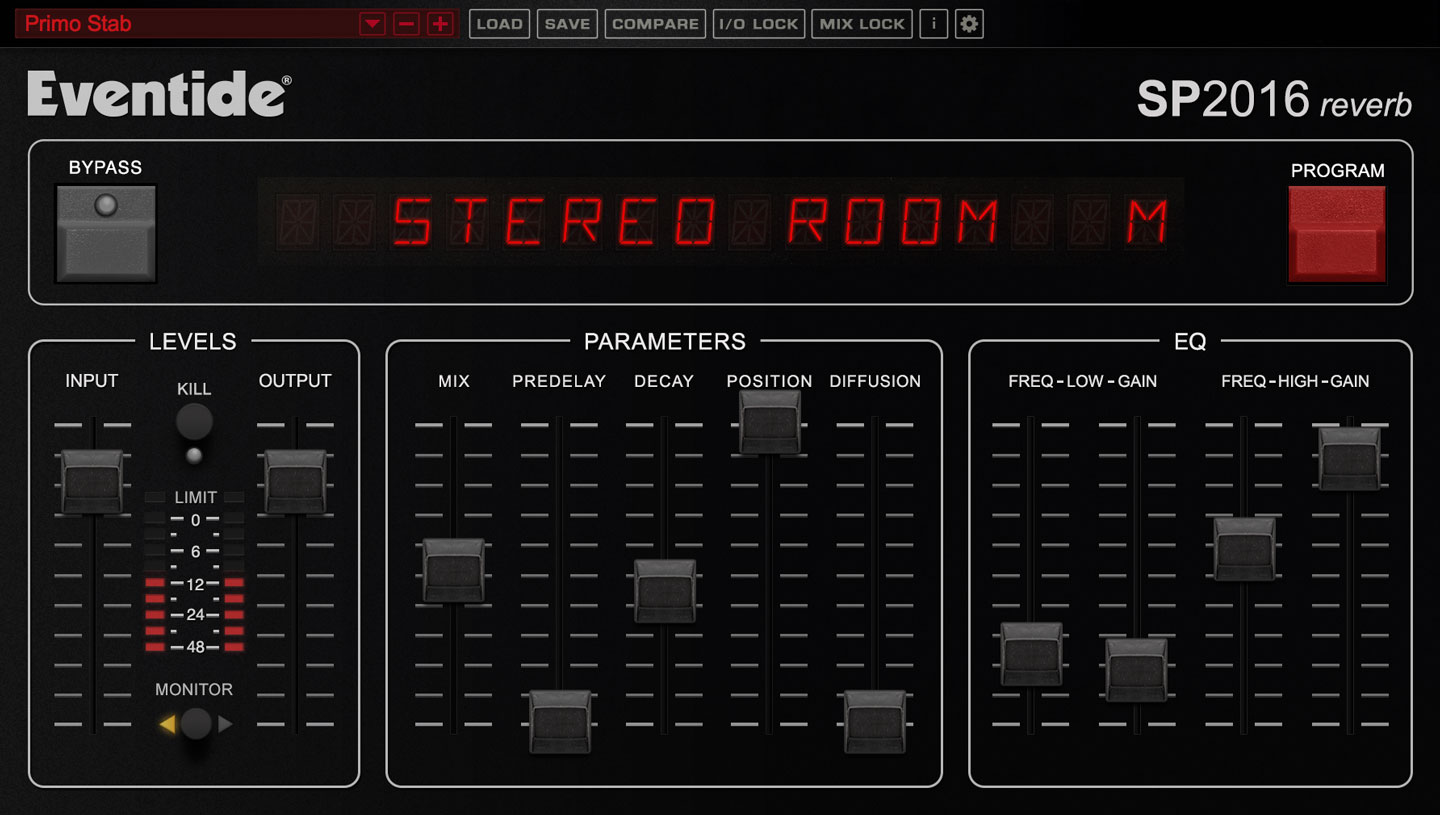 |
In 1981, the SP2016 was released and was the world’s first programmable effects processor featuring ROM chips that “plugged in” under the hood making it possible to add new effects in the field. While it was not a Clockworks effects unit, the SP2016 earned its spot on this roster as it marks the opening chapter of modern Eventide effects processors, with the H9000 its current incarnation. The SP2016 Reverb plug-in includes modern and vintage versions of its signature Stereo Room, Room, and Hi-Density Plate. (MSRP $249) |
Step-by-Step Guide: Register & Install Your Eventide Plugins from Plugin Discounts
Activating Eventide Codes (Purchased from Plugin Discounts)
Follow these steps to enable your license and access the installer:
- Step 1: Log in to your Eventide account
Go to https://www.eventideaudio.com/my-account. Create an account if you don’t have one. - Step 2: Register your plugin
Go to My Account → Register Products (or “Register a New Product”).
Enter your Serial Number and License Key.
Also enter your iLok.com username.
Submit — the license is automatically sent to your iLok account. - Step 3: Download the installer
Go to the Downloads page.
Download the correct installer for your OS (Mac or Windows) and plugin format (VST/AU/AAX). - Step 4: Install the plugin(s)
Windows: Run the .exe installer.
macOS: Open the .dmg and run the .pkg installer.
Follow the on-screen prompts. - Step 5: Authorize with iLok License Manager
Download/install iLok License Manager from www.ilok.com if you don’t have it.
Open iLok License Manager → sign in.
Find your Eventide license and drag it to your Computer (or iLok dongle).
Click Activate. - Step 6: Open your DAW
Launch your DAW and rescan for new plugins. The Eventide plugin should now appear and work.
Notes:
- Eventide plugins require iLok authorization (no physical dongle needed unless you choose one).
- Supported DAWs: Most major ones that support VST, AU, or AAX.
If you run into issues, check the official troubleshooting on the same page.